Compact single display
Limited helm space and a simple viewing task
Ask aboutTry the intended split-screen layout
 MarineBrandsDIRECTORY / 01AU Australia
No matches. Try a brand, product type or “budget”.
Compare the complete system, from the view you need to installation and Australian support.
MarineBrands editorial · Reviewed 5 October 2026 · Buying analysis, not hands-on testing.
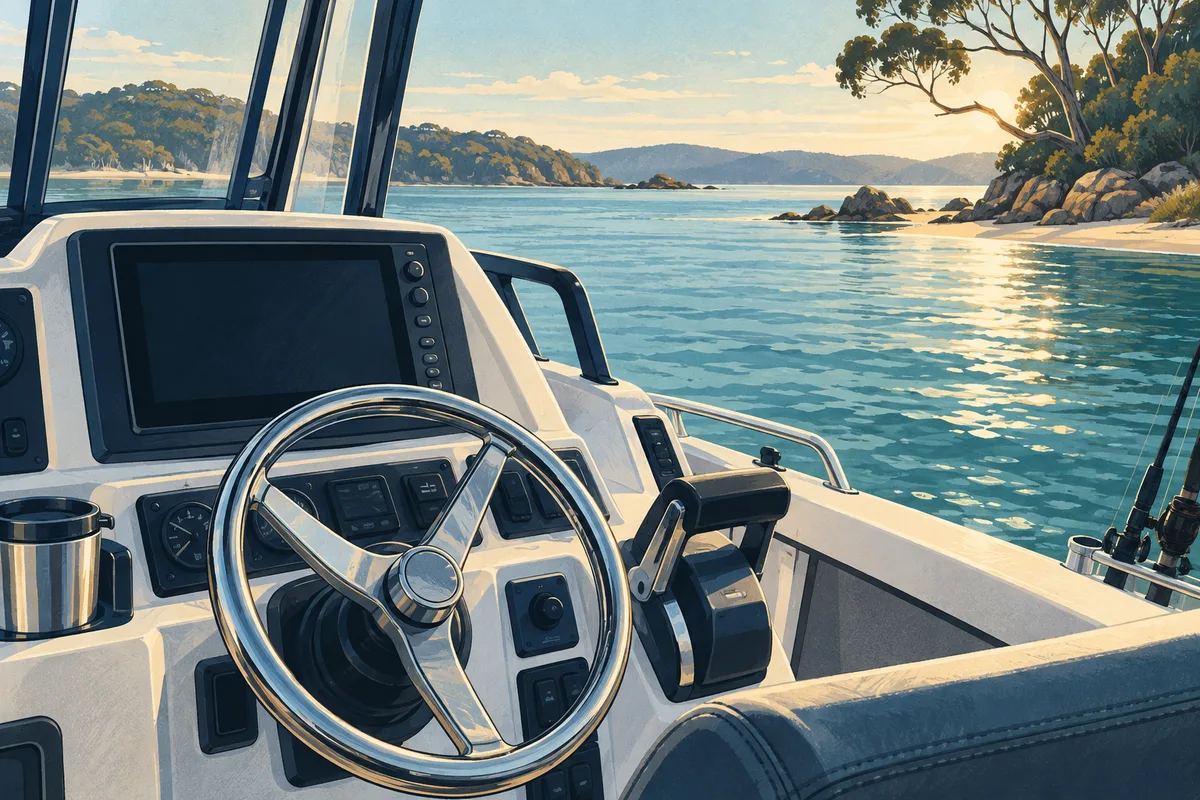
Write down the problem before choosing a screen size. Do you want a clearer view beneath a drifting boat, to investigate structure beside the boat, or to observe a moving target? Those are different demonstrations to request. Bring an example of a normal outing: the craft, the person operating the display and where that person stands. A convincing showroom picture is less useful than a demonstration of the task you actually intend to perform.
List the display, transducer, any sonar module, mount, power connection, network leads and chart entitlement separately. Ask which items are included in the advertised bundle and which are additional. Garmin ECHOMAP Ultra 2 and Raymarine Axiom 2 Pro RVM are useful named starting points, but a family name alone does not identify every component. Record the full Australian model code and ask the supplier to confirm compatibility in writing.
A display that feels generous at a desk may be harder to read from the bow or across a cockpit. Compare a full-screen view with the split layout you expect to use. Check whether the controls are comfortable to reach without leaning across other equipment. Ask how the screen is removed, covered and stored, and whether the proposed mount obstructs an existing instrument or a clear walkway.
Request separate prices for equipment, fitting, configuration and a demonstration on your own boat. Agree what counts as a successful installation and who resolves any issue discovered during the first outing. Ask about current chart coverage, updates, warranty handling and local support. Keep a lower-cost option in the comparison: a better mount or a corrected installation may address the original problem without replacing everything.
Limited helm space and a simple viewing task
Ask aboutTry the intended split-screen layout
Navigation and sonar used together
Ask aboutConfirm charts, transducer and installation scope
Viewing information away from the helm
Ask aboutConfirm exact sharing and network requirements

Tick what you have gathered. Add your boat details and questions, then save a copy to take to a supplier.
Notes stay in this page and are not submitted. Download before leaving; this page does not save them.
Editorial comparisons explain questions to ask; manufacturer documents and the relevant authority govern the exact model, installation and activity.
No. Try the actual viewing position and split-screen layout, then compare mounting, controls and the complete installed system. Extra screen area does not resolve an unsuitable transducer or installation.
Check the itemised Australian package. Ask separately about the transducer, any module, charts, mounts, leads, fitting and commissioning.
No. Garmin ECHOMAP Ultra 2 and Raymarine Axiom 2 Pro RVM are manufacturer-documented examples, not winners from a hands-on test.
Work through the equipment choices, installation questions and local research before spending.
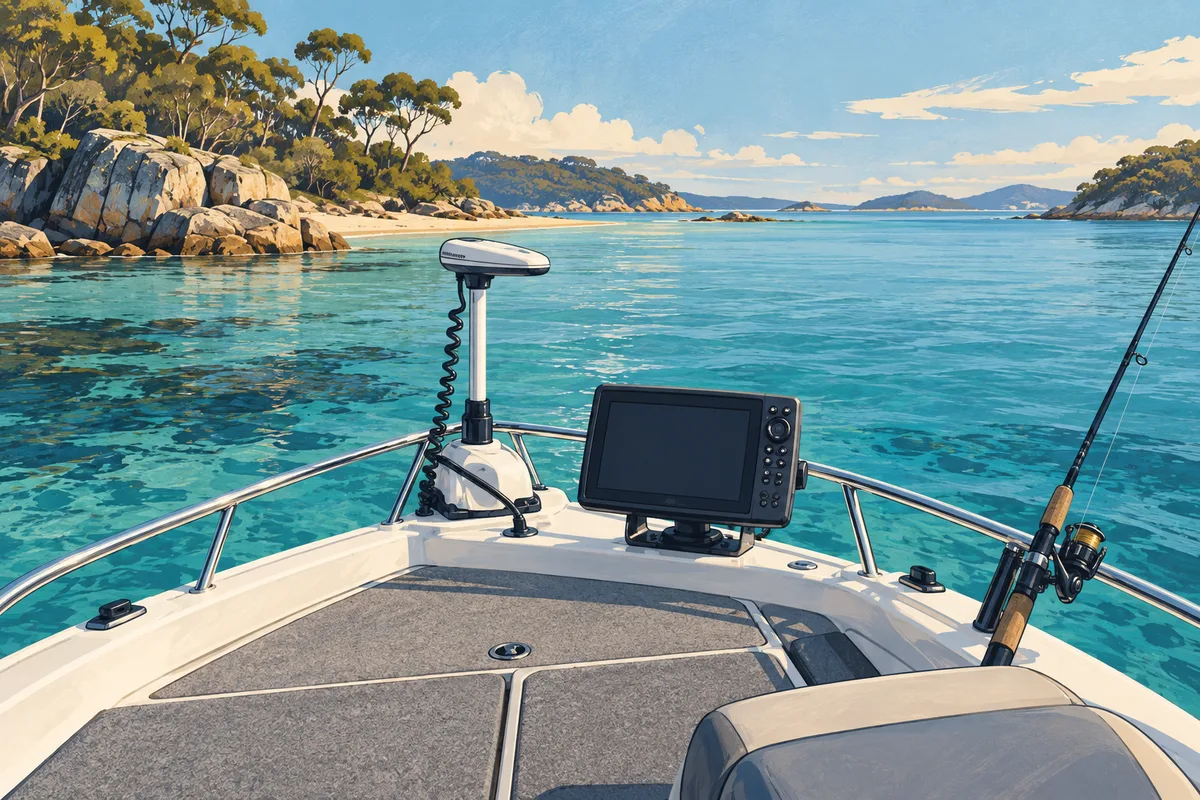
A practical buying framework for a complete live-sonar setup, its mounting and the time needed to learn it.
Read the guide · Build your checklist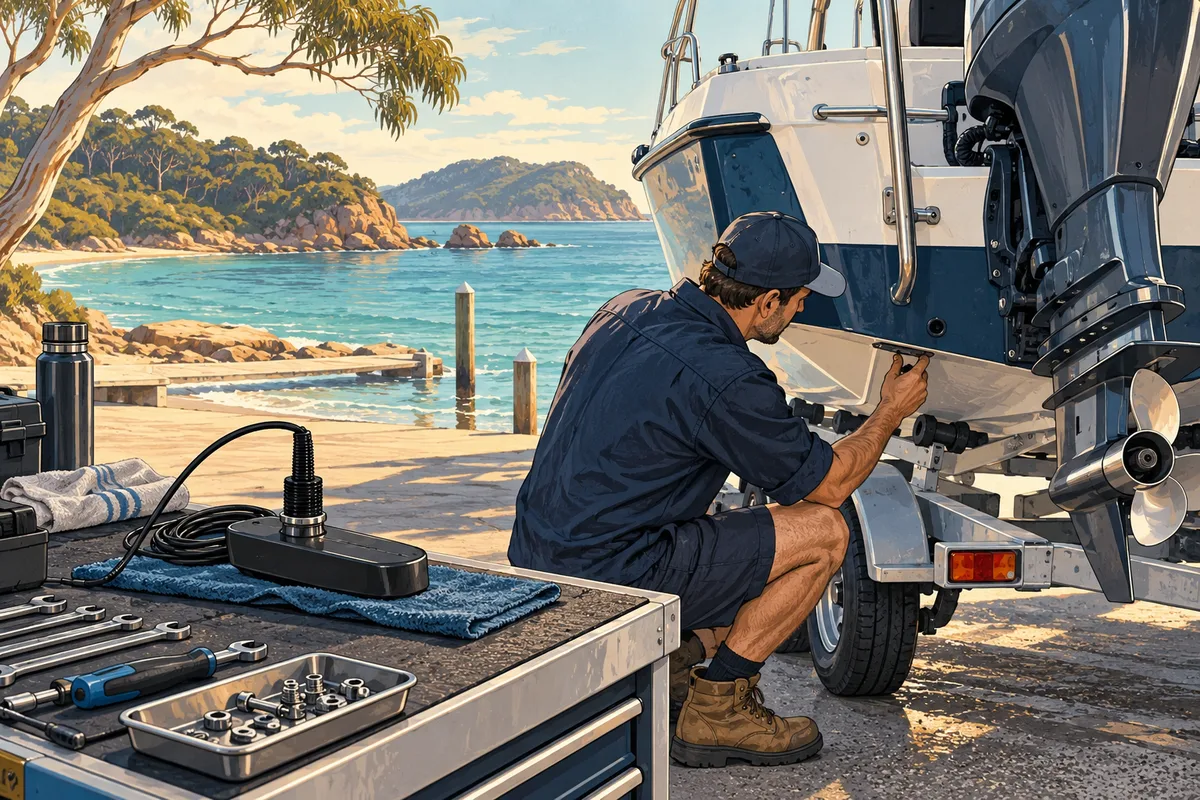
What to show an installer before committing to a fishfinder or transducer upgrade.
Read the guide · Build your checklist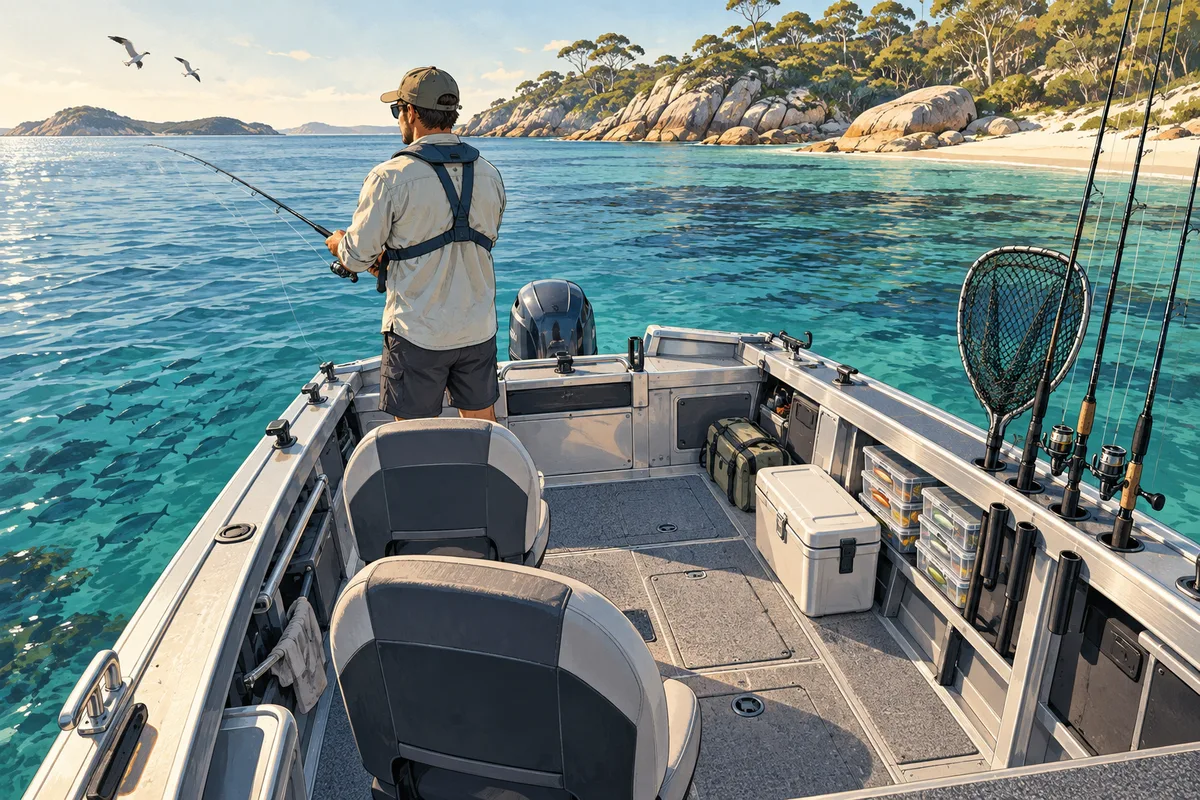
Plan deck space, storage and equipment around a normal fishing day before buying accessories.
Read the guide · Build your checklist
Turn a broad destination idea into a documented set of local questions, without relying on old forum advice.
Read the guide · Build your checklistCard artwork is AI-generated editorial illustration.