Marine
Better wind information begins with a clear picture of the sensors and calculations behind it.
Name the information you want
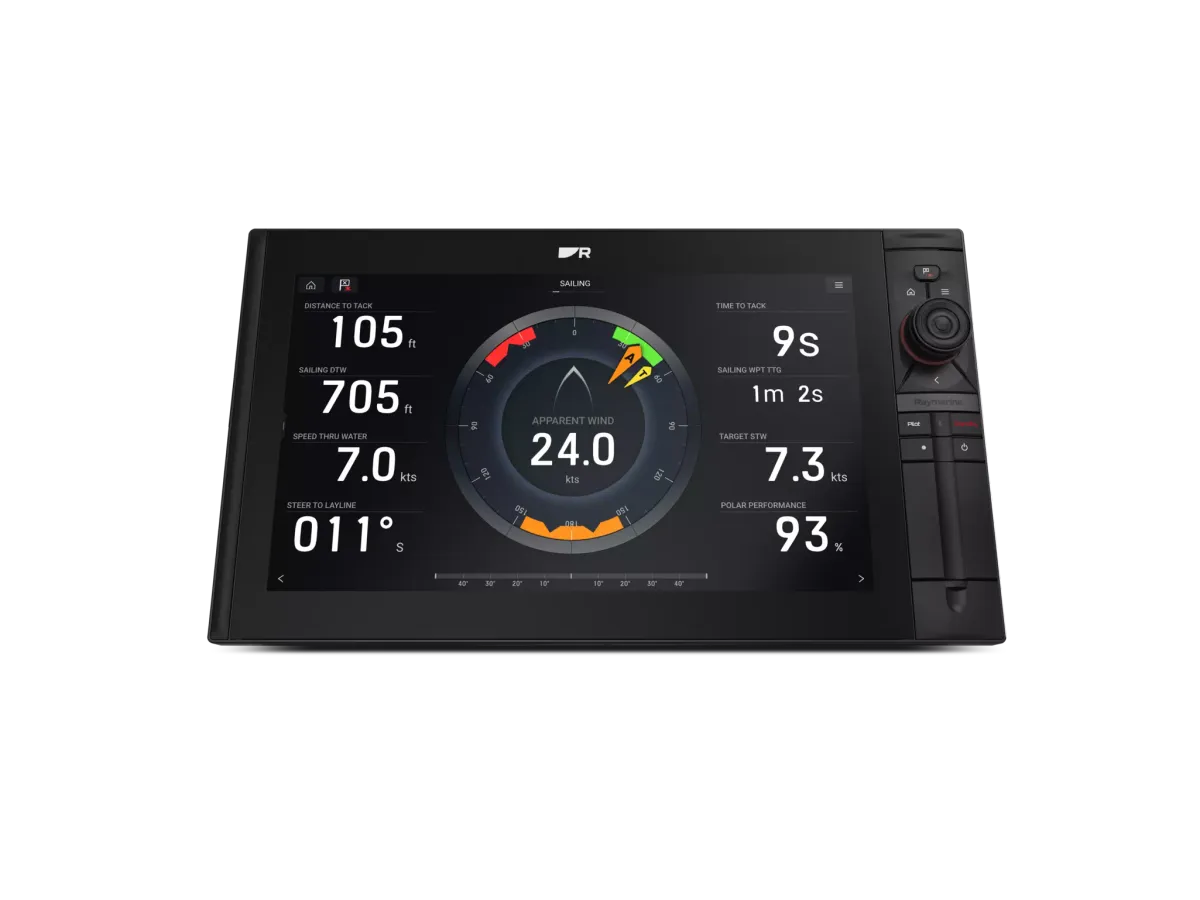
A wind display can show more than a single wind speed. Ask your supplier to explain apparent wind, calculated true wind and the boat data used by the selected system. This conversation matters because replacing a screen alone may not address a problem caused by a sensor, configuration or missing input. Describe the symptom rather than prescribing a replacement part.
Look at the whole signal path
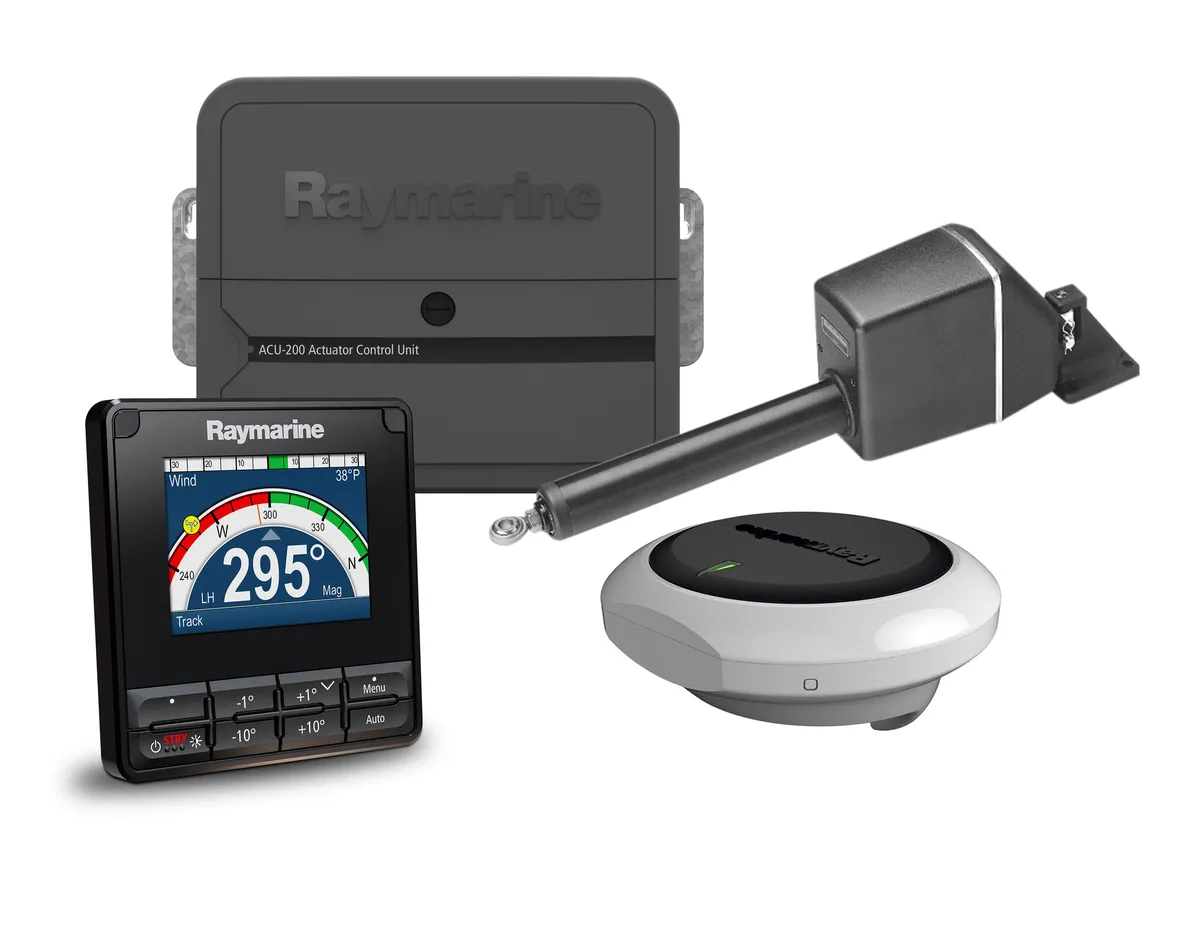
Record the masthead sensor, any interface, the network and the displays that receive wind information. If an autopilot uses wind data, include it in the equipment list. Ask who will check alignment and carry out the manufacturer’s calibration process after installation. Access to the masthead can also affect the scope and timing of the job.
Match detail to your sailing
A cruising crew may value clear wind information at the helm, while a racing crew may want more calculated data and repeaters visible from the rail. A sailing processor such as B&G Triton Edge illustrates the distinction between displaying information and processing it. Request a demonstration with the relevant sensors connected, and a written explanation of what the proposed package will actually calculate.
Your planning checklist
- Record the wind sensor model
- Explain which reading seems unreliable
- Include autopilot requirements in the brief
- Agree who performs commissioning and handover
Sources & further reading
Original MarineBrands buying and planning guidance, informed by these manufacturer and official references. Confirm current specifications for the exact model and Australian version.
- Raymarine · autopilot inputs and additional components ↗
- B&G Australia · Triton Edge sailing processor ↗
This is an editorial guide. Linked brand advertorials are identified separately; no paid sponsorship or manufacturer approval of this guide is claimed.