Marine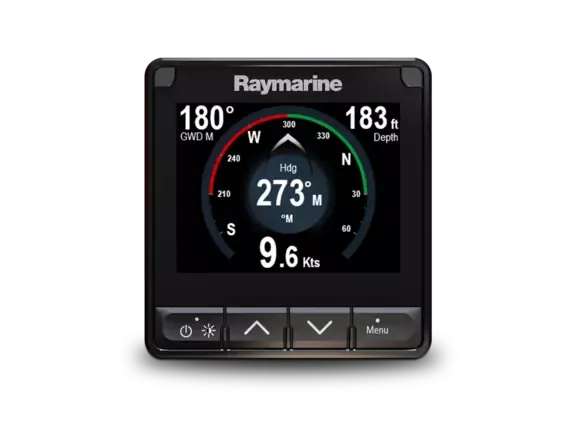
Choose the information and viewing positions first; then choose the displays.
Start with the decisions at the helm
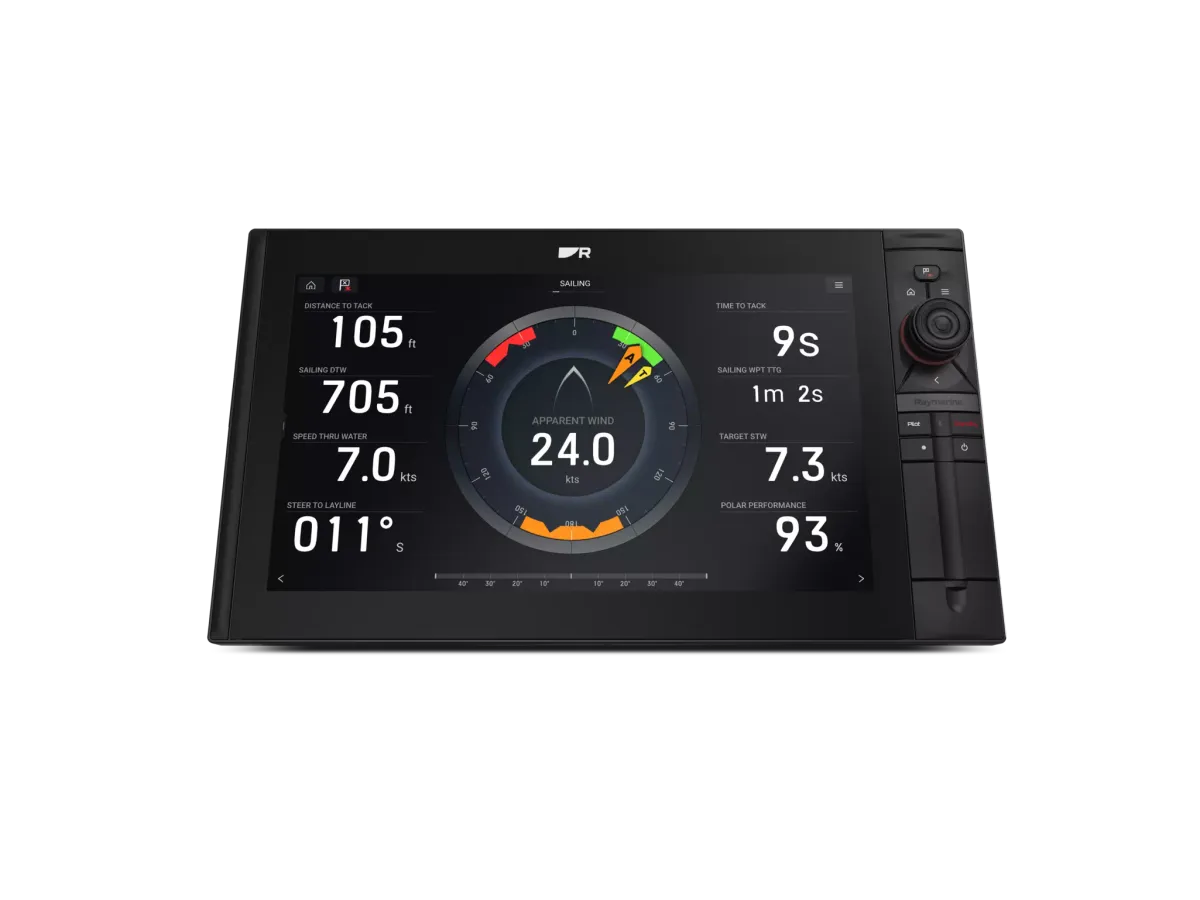
Write down the questions you want an instrument to answer: how much water is under the boat, how fast you are moving through the water, where the wind is coming from, or which heading you are steering. A large screen is only useful when it presents the information needed for the next decision. Separate everyday cruising needs from occasional racing ambitions.
Trace every number to a sensor
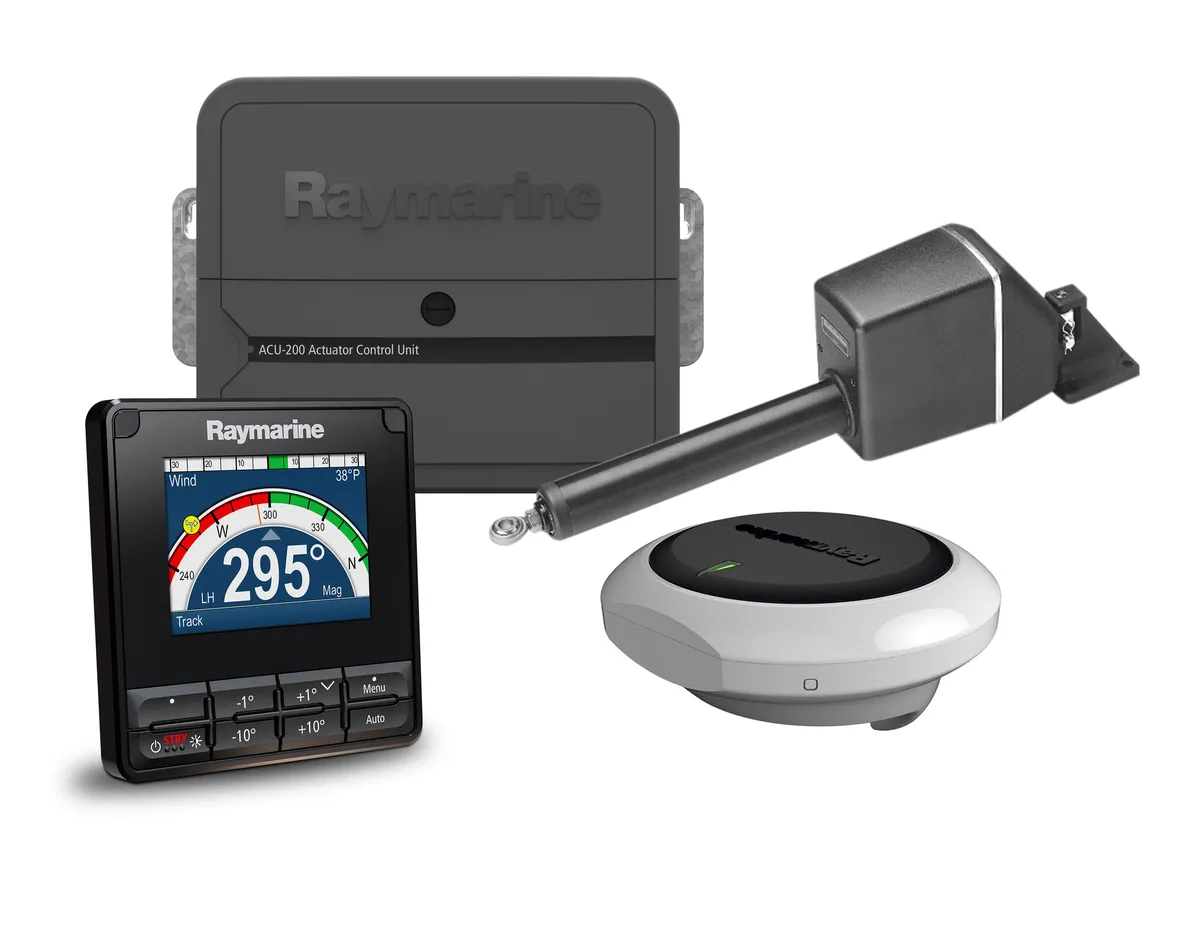
An instrument display is the visible part of a system. Before buying, record your existing depth, speed, wind and heading equipment, including model numbers and network connections. Ask an installer which sensors can remain and which need an interface or replacement. Do not assume a new display includes the transducers pictured in its promotional material.
Compare the complete installation
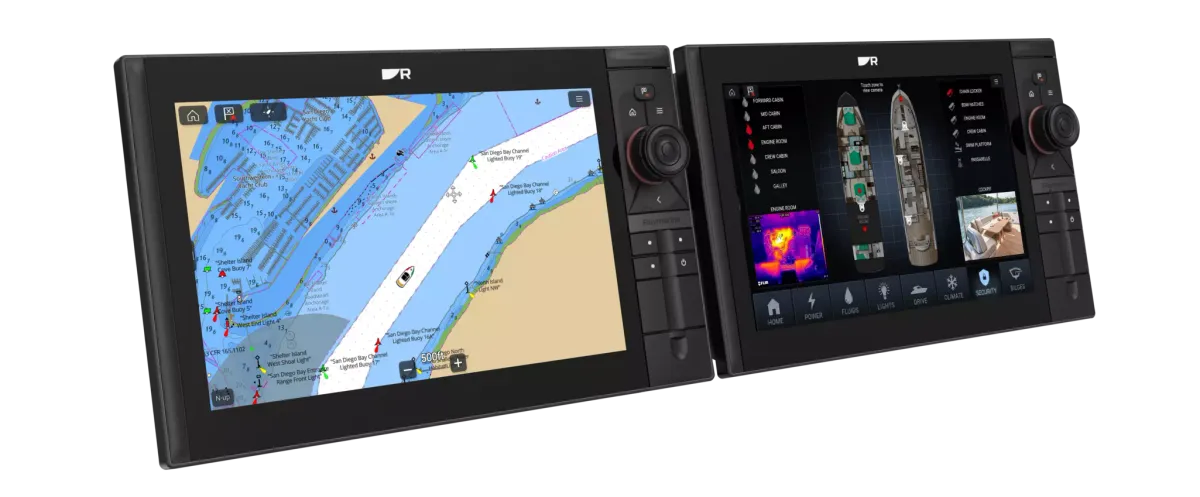
View a demonstration from roughly the distance and angle at which you will use the display. Think about the helm, companionway and mast as separate viewing positions. Ask for a quote that identifies sensors, cables, mounts, setup and a handover session. Garmin GMI 20 and the instrument ranges from B&G and Raymarine are examples to investigate, rather than interchangeable packages.
Your planning checklist
- Photograph existing instruments and their labels
- List three essential data fields
- Identify viewing positions for helm and crew
- Request an itemised sensor and installation list
Sources & further reading
Original MarineBrands buying and planning guidance, informed by these manufacturer and official references. Confirm current specifications for the exact model and Australian version.
This is an editorial guide. Linked brand advertorials are identified separately; no paid sponsorship or manufacturer approval of this guide is claimed.