Marine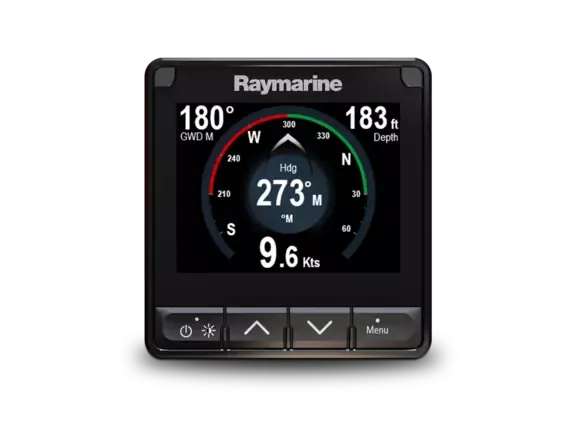
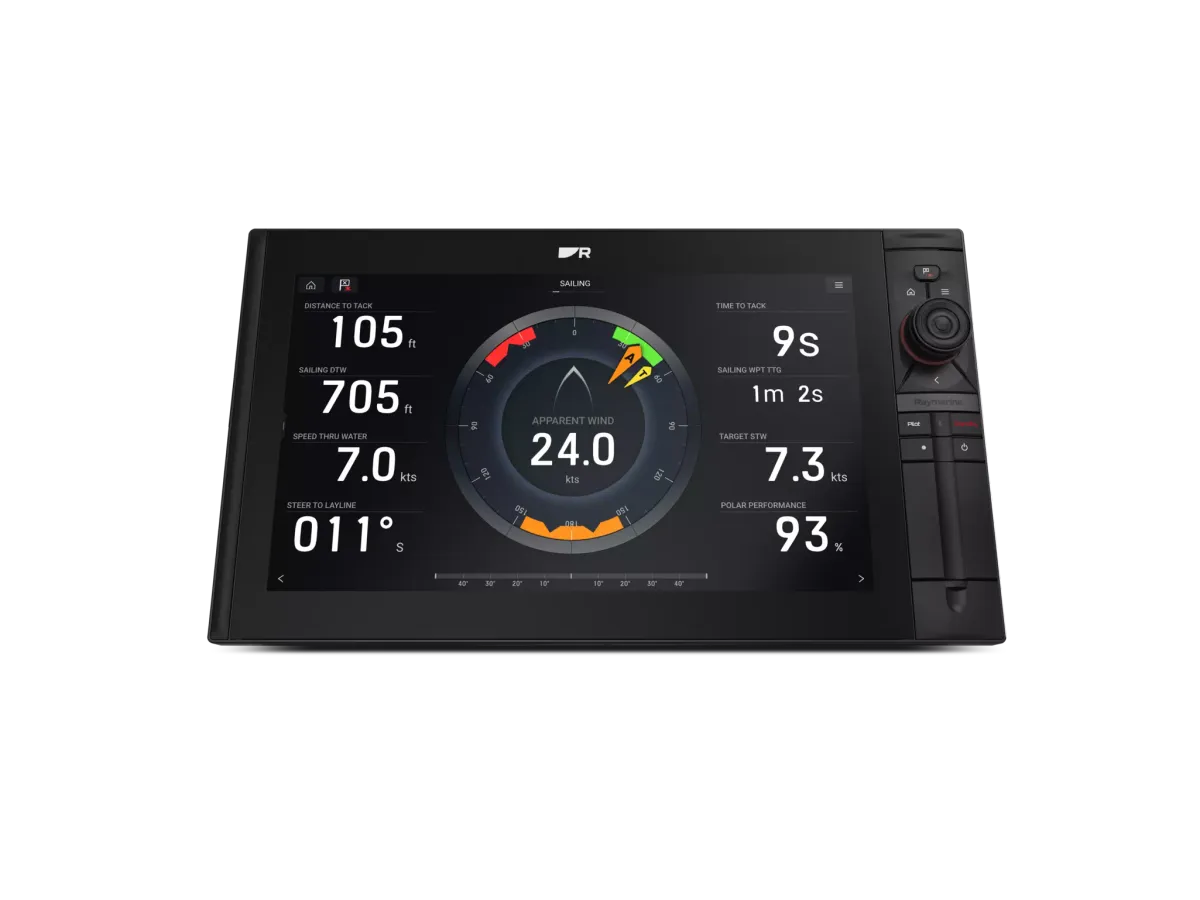
Depth, speed through the water and heading answer different questions.
Separate the readings
Depth, speed through the water and heading answer different questions. Make a list of the readings your crew uses, where they are displayed and which sensor supplies each one. If a number looks wrong, record the circumstances and the exact field name. Similar labels on different screens can conceal different data sources.
Describe the installation
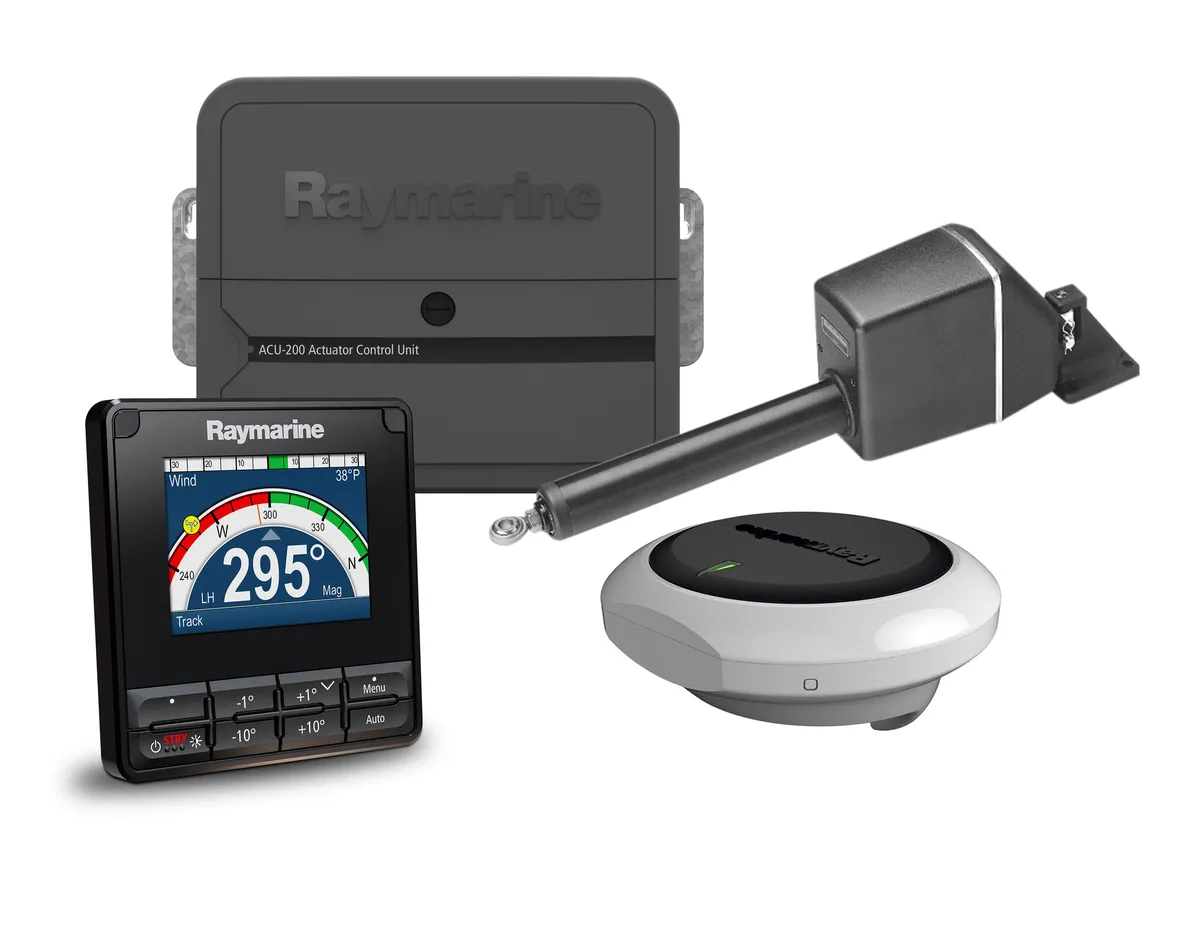
An installer needs the existing transducer and instrument models, accessible connection photographs and any history of intermittent readings. Ask which checks can happen afloat and which require yard access. Do not assume an attractive replacement display includes the sensors it can read. Include the complete installation and commissioning in the quote.
Test a real comparison
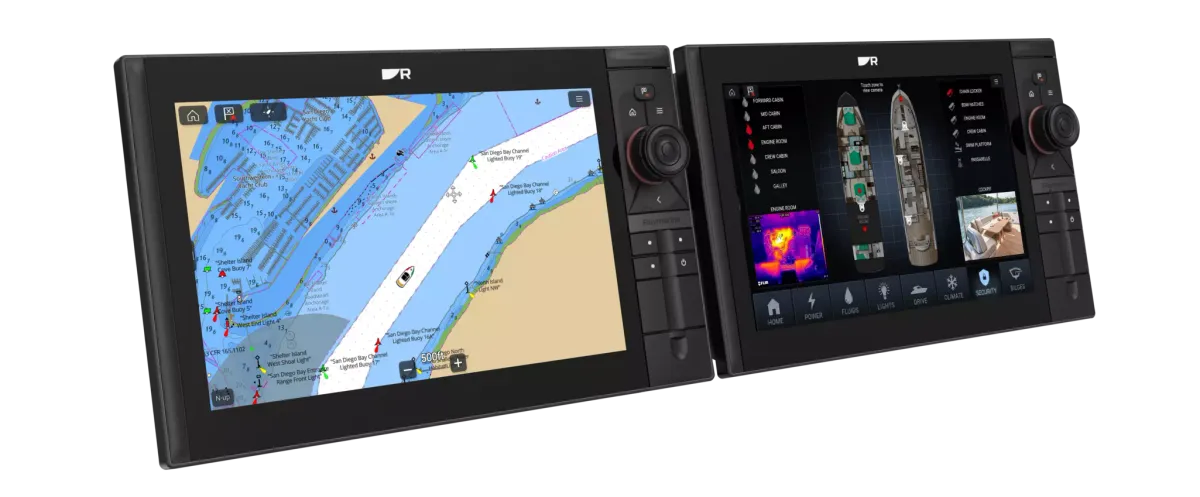
Suppose two displays disagree about speed. Before replacing either, ask whether they are showing the same measurement and source. At handover, have the supplier identify the source of each key field and explain the applicable calibration procedure. Keep the equipment list and any offsets with the boat records, so later changes start from the actual configuration.
Example: retain the display, investigate the data
Suppose the depth value is useful at the companionway but missing at the helm. That does not automatically establish that the boat needs a new transducer. Record which displays show the value, when it disappears and the exact equipment fitted. Ask an installer to explain the path from sensor to each display and identify the part of the proposal that solves the missing information.
What a useful proposal should explain
Look for a clear list of retained sensors, replacement sensors, interfaces and setup work. Ask how the installer will demonstrate the agreed readings at handover and provide records of the settings used. Keep calibration and installation questions with the specialist rather than copying another boat’s values.
Your planning checklist
- List the field names and sources
- Record symptoms and conditions
- Confirm afloat or yard access
- Document commissioning settings
Sources & further reading
Original MarineBrands buying and planning guidance, informed by these manufacturer and official references. Confirm current specifications for the exact model and Australian version.
- Raymarine · model-specific manuals and installation documents ↗
- Raymarine · software updates and product support ↗
This is an editorial guide. Linked brand advertorials are identified separately; no paid sponsorship or manufacturer approval of this guide is claimed.