Marine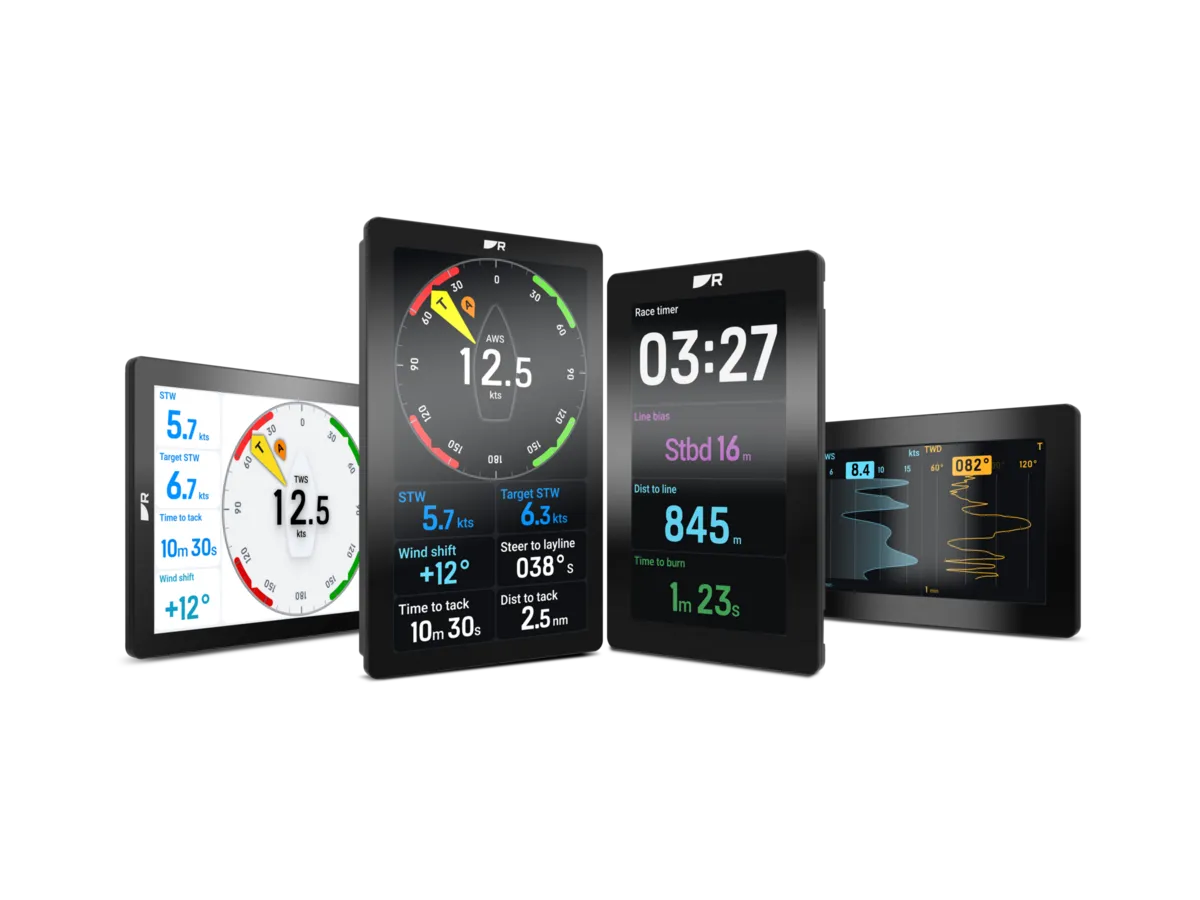
Start with who needs to read the information and from where. A screen is worth buying when it solves a visibility or access problem for the crew.
Map the readers before the equipment
List the information used by the helm, trimmer and navigator. Then draw where those people normally sit or stand. During a tack or while reefing, the person who needs a number may be looking away from the chartplotter. That is a useful reason to investigate another display.
Prioritise a small number of repeat decisions: holding a heading, comparing speed or watching a wind trend. Avoid buying several screens simply to duplicate every available number. A deliberate layout is easier for a changing crew to learn.
Try the viewing position at full size
Use a full-size outline at each proposed location. Check sightlines from both sides of the cockpit and consider obstructions from people and equipment. Ask for a daylight demonstration of the display’s intended layout and character size. A catalogue diagonal does not describe how readable the numbers will be from your seat.
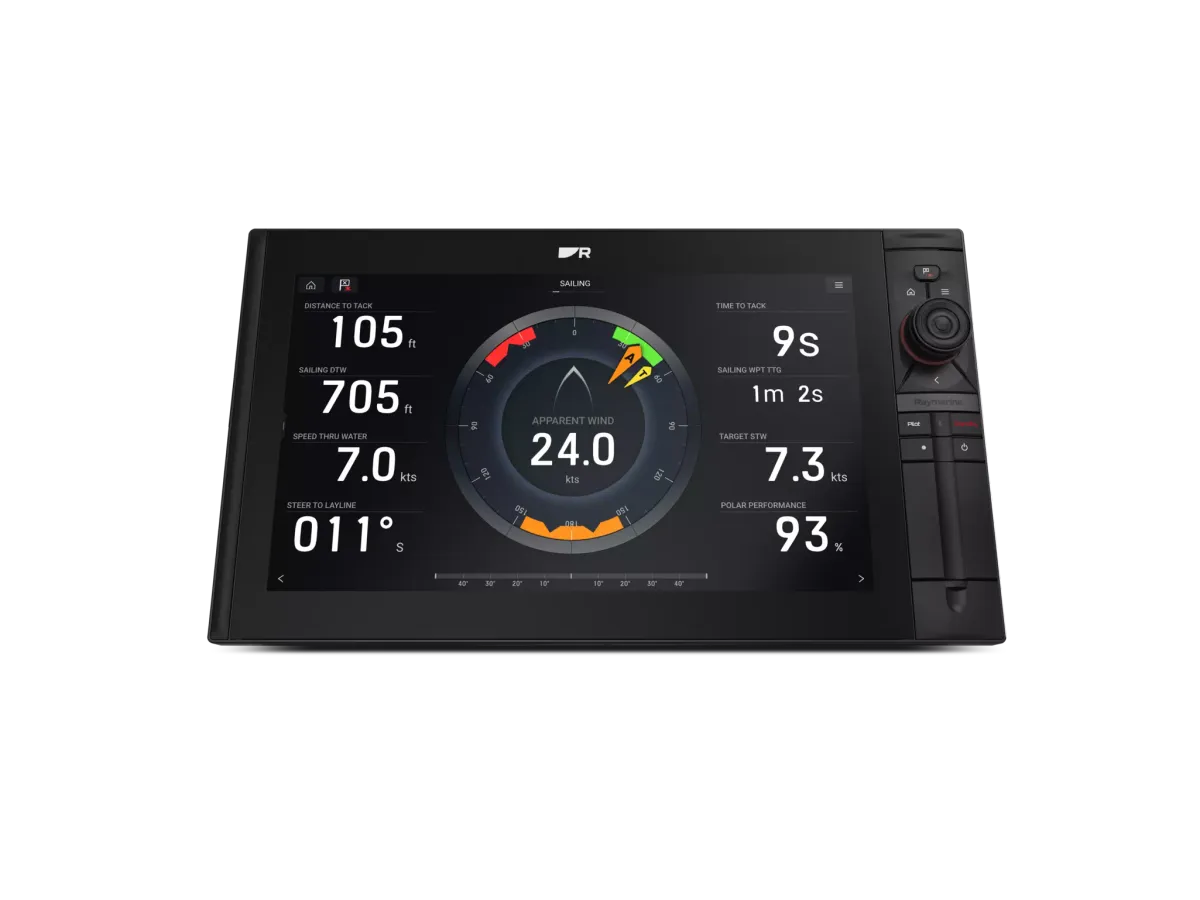
Raymarine Alpha illustrates the dedicated performance-display approach, with portrait and landscape mounting options. An instrument at the helm offers a different viewing position. Compare the specific display and bracket as a combination rather than assuming any large screen works anywhere.
Check where the information comes from
A new display cannot create measurements that the boat does not supply. Ask the installer to draw the path from sensor to processor or network to screen. Mark any missing components and the setup work needed to make each planned field meaningful.
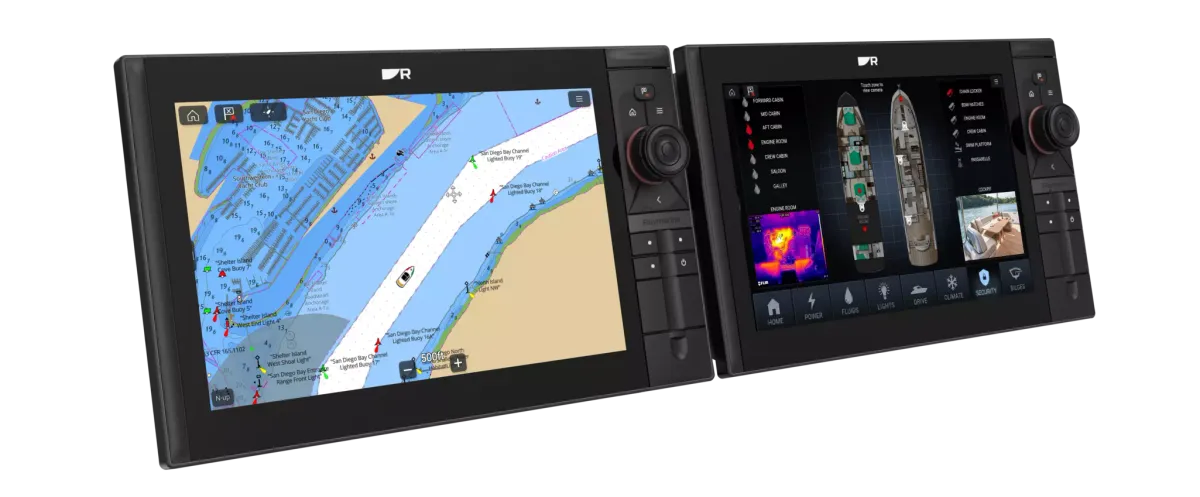
For an Alpha proposal, include the required compatible Axiom connection. For another system, request the equivalent manufacturer diagram. Keep optional processing upgrades separate so you can see whether the purchase is adding visibility, improving the underlying data or doing both.
Buy the smallest arrangement that solves the problem
An illustrative cruising brief might be solved by a readable helm instrument while retaining the current plotter. A crew working across the cockpit may benefit from shared forward-facing information. Test those use cases before comparing a long list of display features.
Ask for a final layout showing the initial pages and the controls used to change them. Include cable routing, mounting, protection and service access in the quote. The handover should let a second crew member find the required information without the installer present.
Your planning checklist

Turn the lesson into a useful brief.
Tick what you have gathered. Add your boat details and questions, then save a copy to take to a supplier.
Notes stay in this page and are not submitted. Download before leaving; this page does not save them.
Buying questions, answered
Will a larger display improve wind accuracy?
Display size changes presentation. Ask separately about the sensor, calibration and processing that produce the displayed wind information.
Is a mast display only useful for racing?
The useful question is who needs to see the information. A shared display can suit other programmes, but its value depends on sightlines and the crew’s workflow.
Sources & further reading
Original MarineBrands buying and planning guidance, informed by these manufacturer and official references. Confirm current specifications for the exact model and Australian version.
- Raymarine Australia · Alpha performance displays ↗
- Garmin · GMI 20 instrument reference ↗
- B&G Australia · Triton Edge sailing processor ↗
This is an editorial guide. Linked brand advertorials are identified separately; no paid sponsorship or manufacturer approval of this guide is claimed.