Marine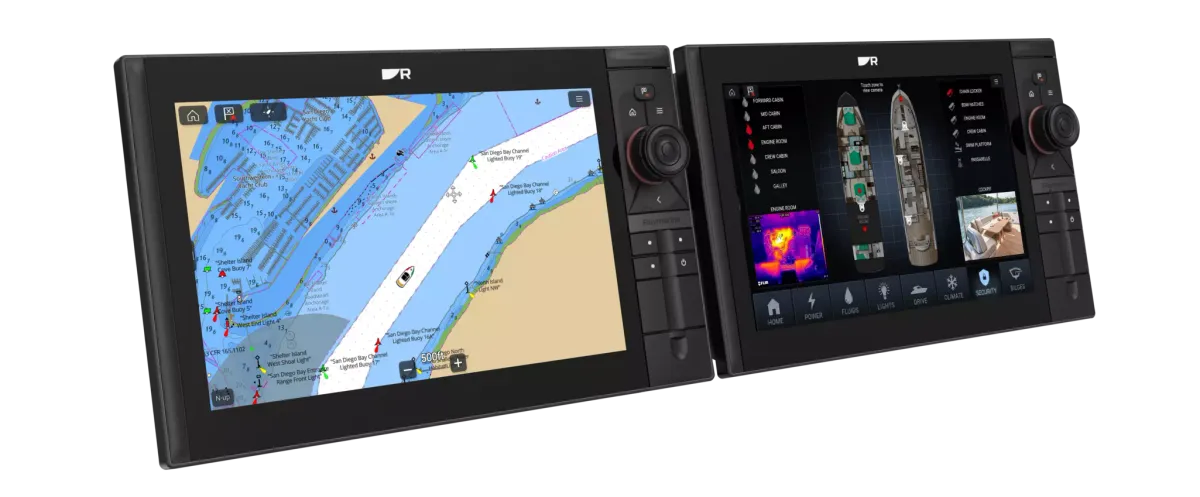
A good handover includes configuration records, practical demonstrations and the right manuals.
Collect the system record
Ask for the model and serial numbers of the installed equipment, the relevant manuals and a simple diagram showing connections. Record software versions and which device supplies each important data field. These details are useful when a dealer investigates a problem later, especially where old and new equipment share a network. Keep a copy accessible away from the boat.
Demonstrate ordinary tasks
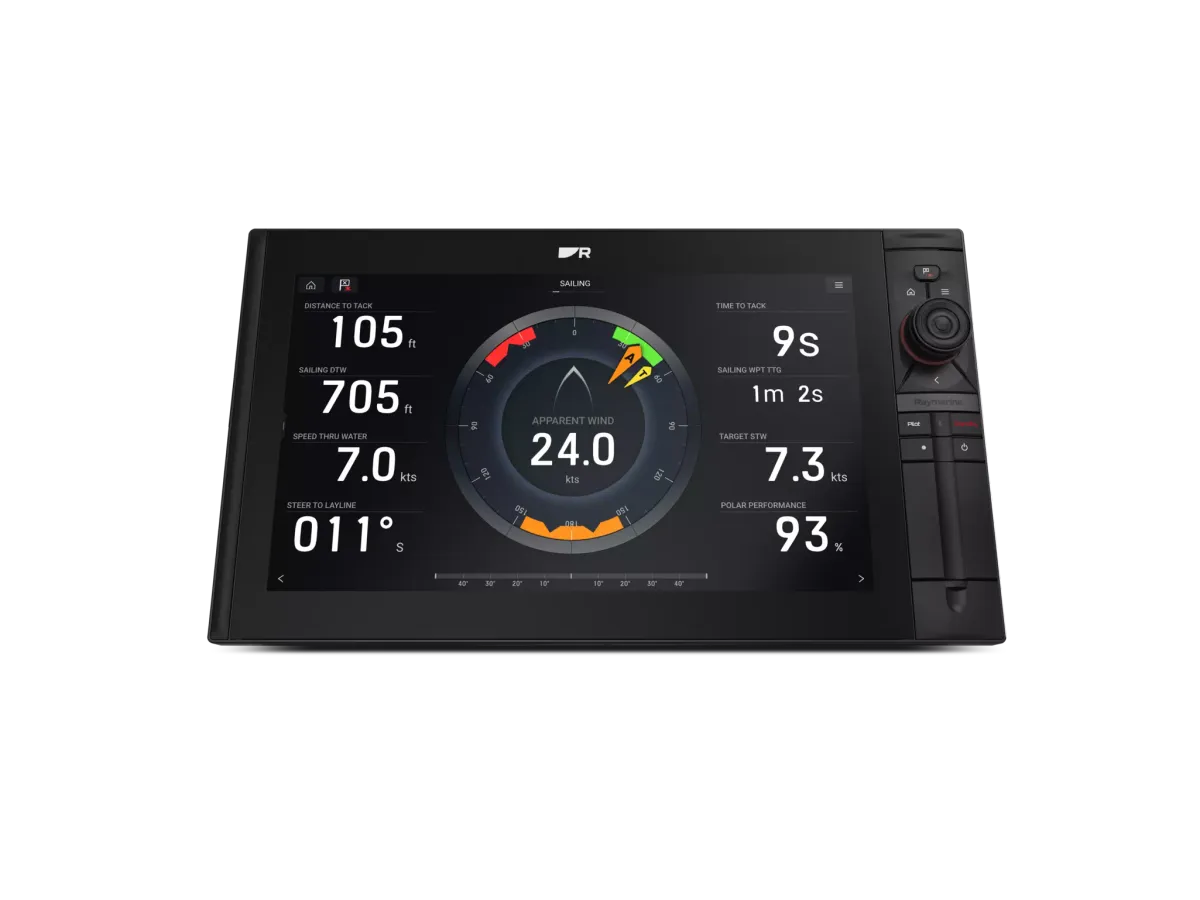
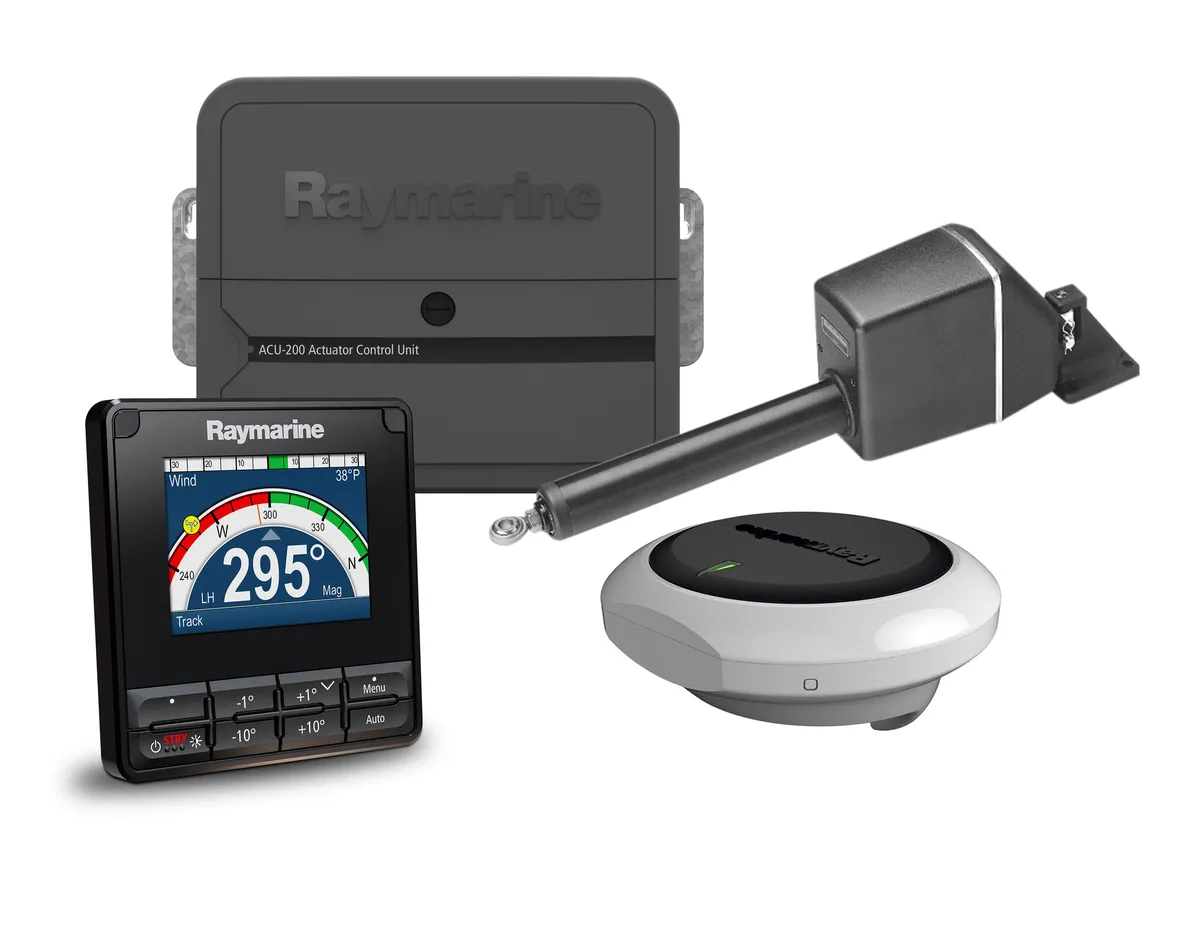
Use your own trip as the basis for the demonstration. Ask the installer to show the display pages you will use, brightness controls, data-source selection where applicable and the route back to the main navigation view. If the package includes a pilot, arrange the separate commissioning and operating handover specified for that system. Watching a feature is different from trying it yourself.
Agree the follow-up process
Before signing off the job, confirm which checks have been completed and what remains outstanding. Ask how to report an intermittent fault and which information the installer will need. Clarify responsibility for future software updates and configuration backups. Manufacturer document libraries, including Raymarine’s, are useful reference points; they do not replace a record of what has actually been installed on your boat.
Your planning checklist
- Equipment list and connection diagram
- Manuals and configuration records
- Crew demonstration of everyday controls
- Outstanding items and support contact
Sources & further reading
Original MarineBrands buying and planning guidance, informed by these manufacturer and official references. Confirm current specifications for the exact model and Australian version.
- Raymarine · model-specific manuals and installation documents ↗
- Raymarine · software updates and product support ↗
This is an editorial guide. Linked brand advertorials are identified separately; no paid sponsorship or manufacturer approval of this guide is claimed.