Marine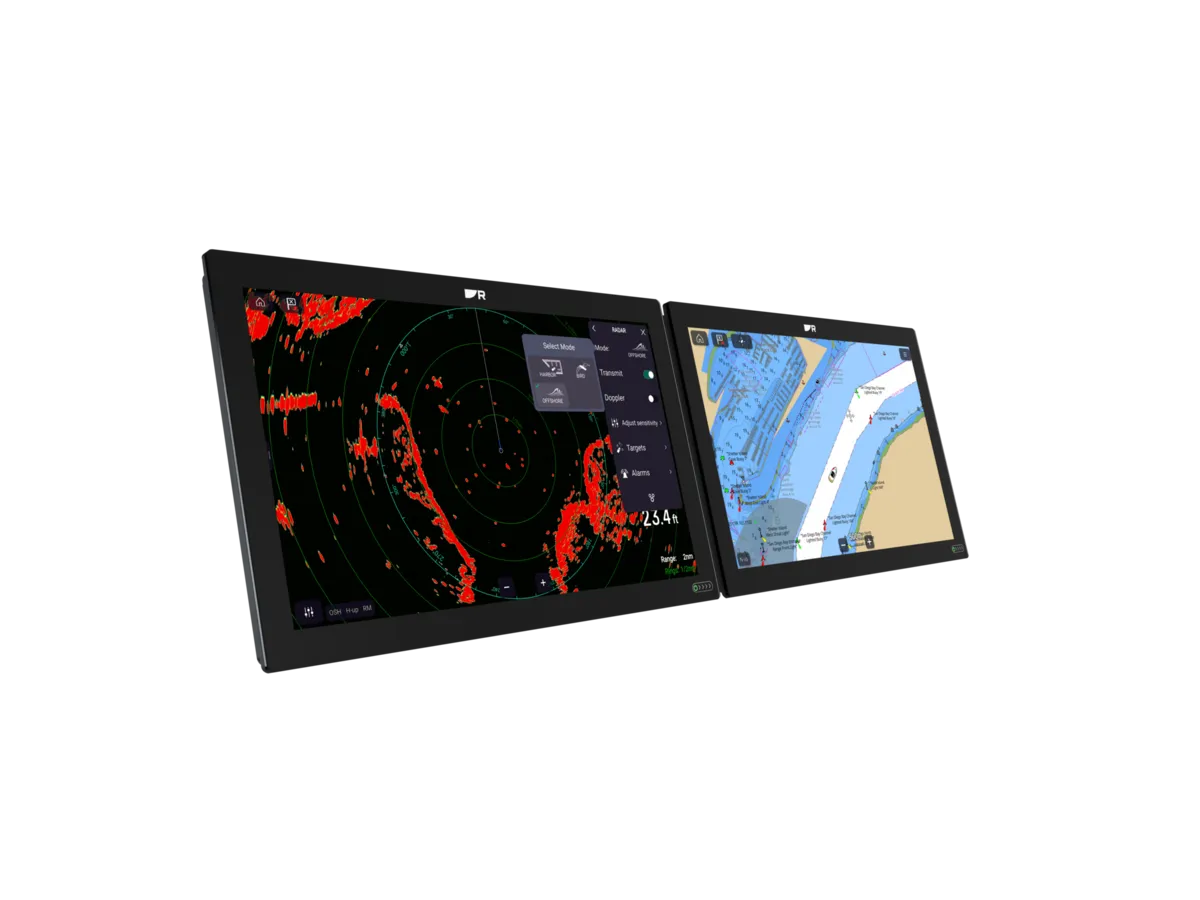
Pay for the tasks you can demonstrate at the helm. A larger display earns its place when it makes important information easier to use and the boat can support the complete installation.
Write down three jobs for the screen
Before comparing model numbers, describe what you want to see during a normal passage. A coastal crew might want a clear chart, depth and a simple route view. A more involved installation might need charting alongside instruments, radar or video. These are different briefs, even when both owners say they want a better plotter.
Ask a dealer to recreate those views on each candidate. Split the screen as you would aboard and stand at the intended viewing distance. A large single chart can look impressive in a showroom while telling you little about the layout you will use every day.
Compare the installed footprint
A premium display changes more than the visible screen. Check the mounting drawing, rear clearance, cable access and power specification. Put a paper outline at the helm and confirm that it leaves access to controls and does not obstruct sightlines. The usable panel space is the starting point for a shortlist.
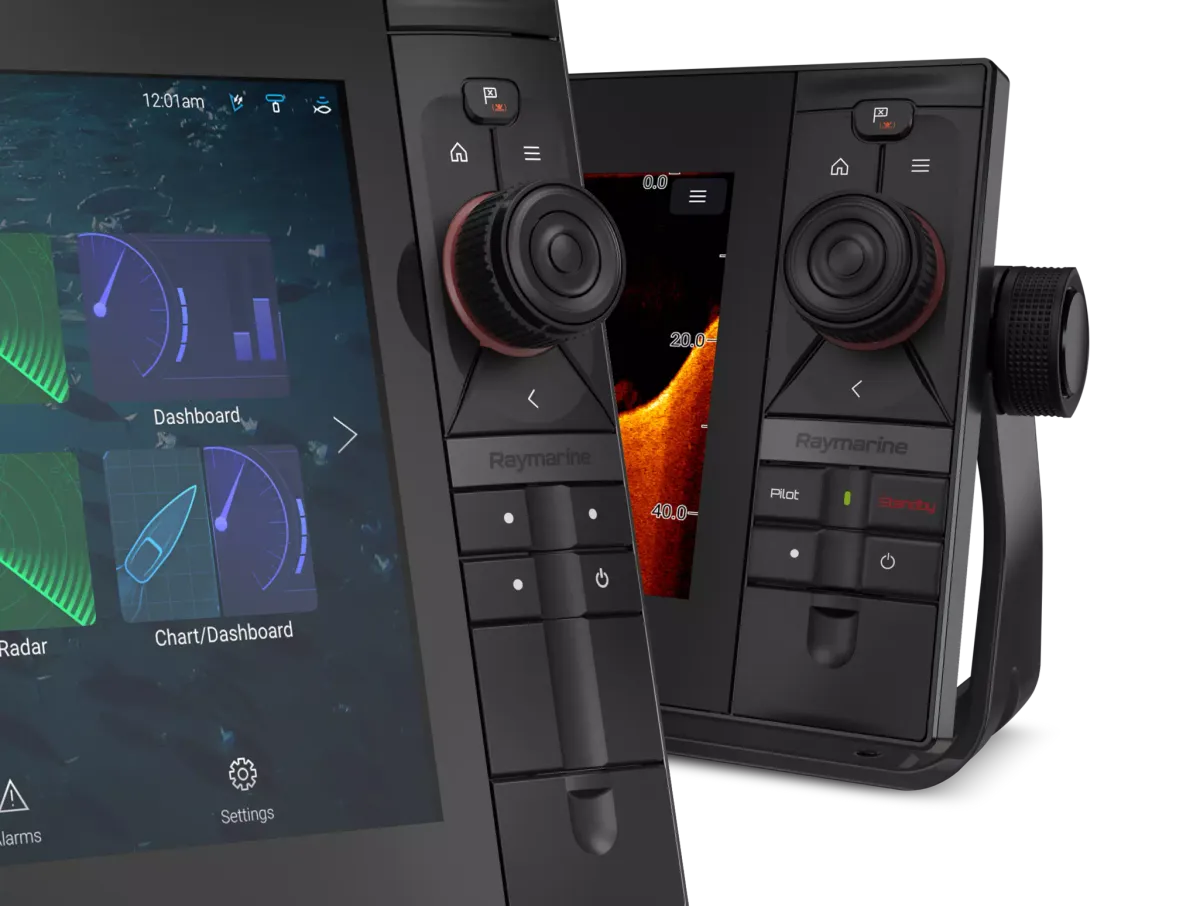
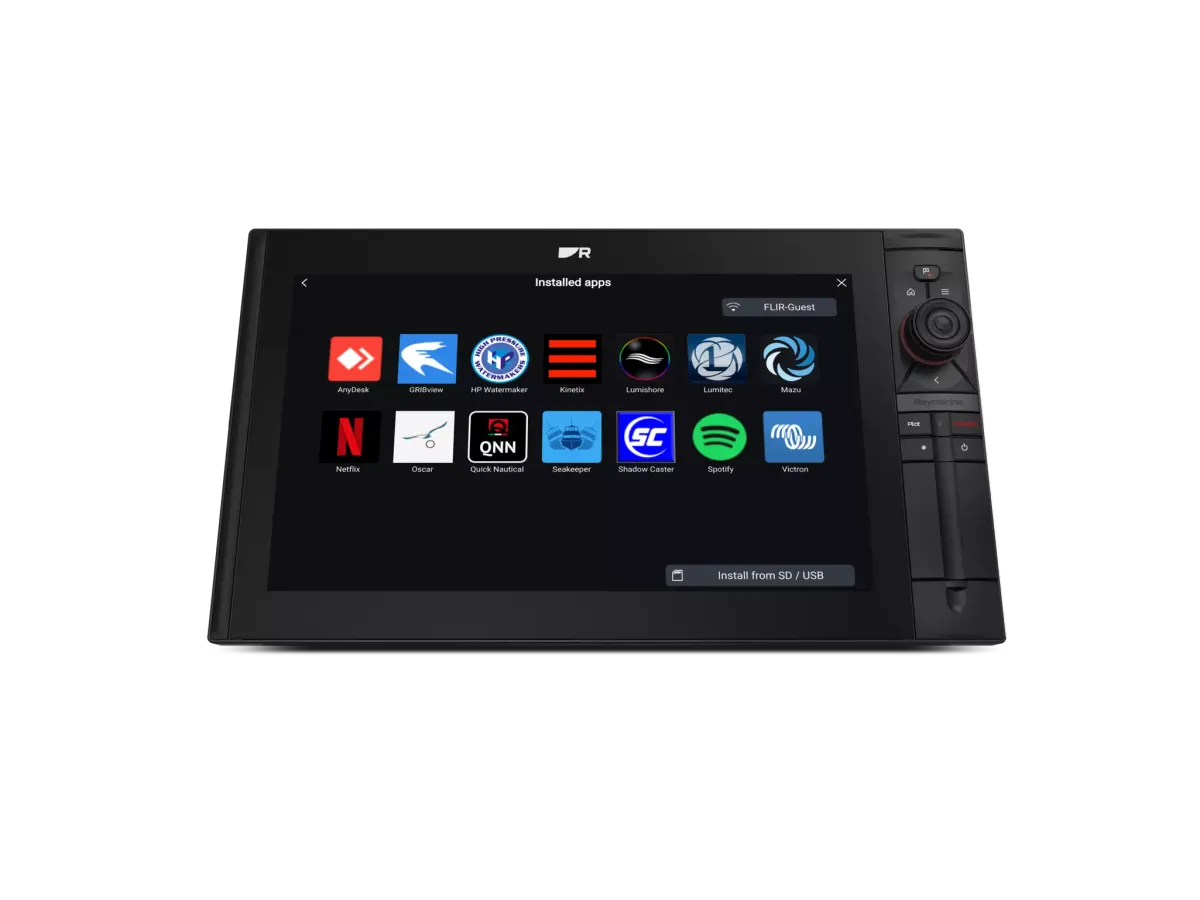
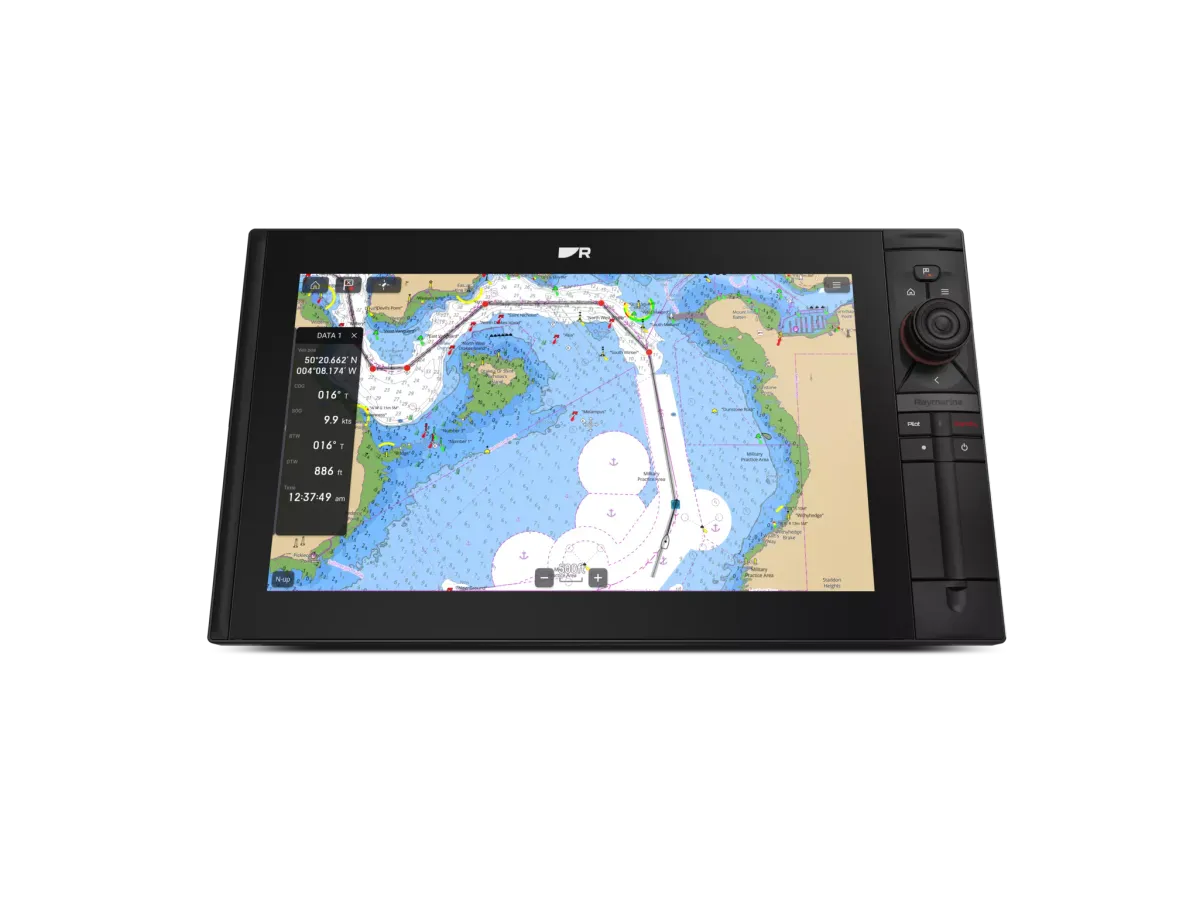
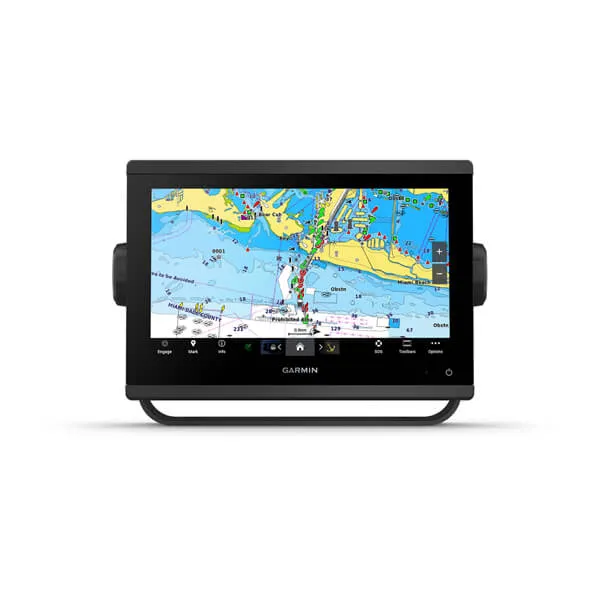
Raymarine describes Axiom 2 XL as its glass-bridge flagship; Garmin’s GPSMAP 9019 is a 4K display example. Those positions explain the products, but they do not prove that either suits your boat. Request the exact Australian model and a demonstration of the controls you expect to use.
Compare packages with the same boundaries
Put each quote into four columns: display, charting, connected equipment and installation. Identify everything already aboard that the supplier has agreed to retain. A lower display price can leave a larger gap for a card reader, transducer, network parts or dashboard work.
Ask what the installed price includes at handover. Saving routes, configuring instrument pages and explaining updates take time. A quote that names those tasks is easier to compare than a promise to supply a complete system.
Make the final choice with a practical test
Choose the less expensive option if it meets your essential jobs comfortably and preserves budget for installation and support. Consider the larger system when the extra viewing area or integration solves a problem you can identify. Keep optional entertainment features separate from your navigation priorities.
For example, a crew replacing one tired cockpit screen could request a compact replacement quote and a larger-screen alternative using the same retained sensors. Ask the installer to explain each difference before deciding whether the extra work is worthwhile.
Your planning checklist

Turn the lesson into a useful brief.
Tick what you have gathered. Add your boat details and questions, then save a copy to take to a supplier.
Notes stay in this page and are not submitted. Download before leaving; this page does not save them.
Buying questions, answered
Does a premium screen make the whole system better?
Only if the connected data, installation and controls support the job. Ask the installer to identify the weakest part of the current system before choosing a display.
Should I buy the largest screen that fits?
Test a realistic screen layout first. Leave space for controls, service access and the installation clearances specified for the chosen model.
Sources & further reading
Original MarineBrands buying and planning guidance, informed by these manufacturer and official references. Confirm current specifications for the exact model and Australian version.
- Raymarine Australia · Axiom 2 XL ↗
- Garmin Singapore · GPSMAP 9019 model reference ↗
- Raymarine Australia · Axiom model comparison ↗
This is an editorial guide. Linked brand advertorials are identified separately; no paid sponsorship or manufacturer approval of this guide is claimed.