Marine
Decide what each steering position needs to do before choosing the number of screens.
Map the jobs at each steering position
Sketch the cockpit and mark where people steer, keep watch and handle sail controls. Identify which tasks genuinely need a chart display at each helm and which can be handled from a shared position. Try the proposed viewing angles while standing and seated before agreeing the mounting locations.
Make controls part of this exercise. A screen that is visible across the cockpit may still be inconvenient to operate, especially when the person navigating is also managing another task.
Ask what the proposed network shares
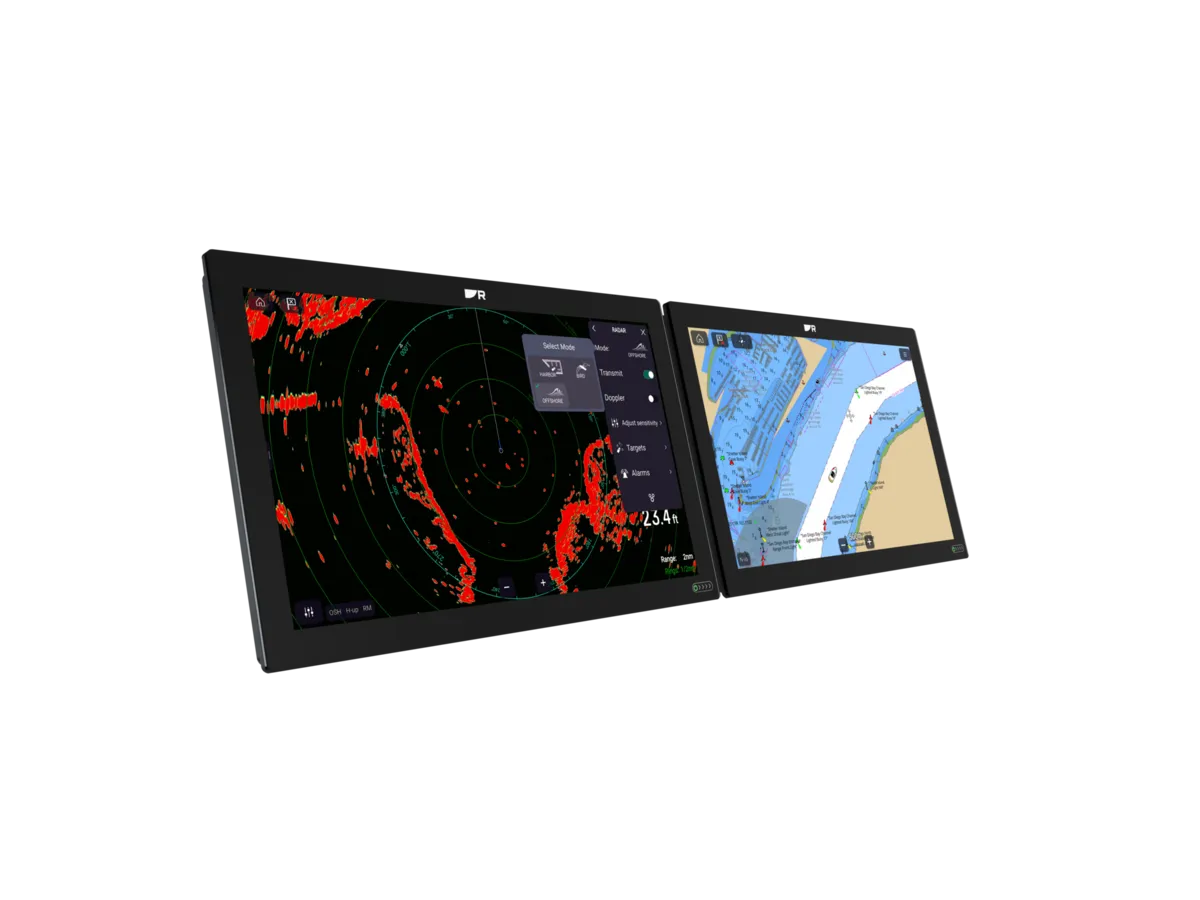
Have the installer describe the exact models and connections, then demonstrate the functions you expect to share. Charts, routes, sensor information and control functions should be checked separately. A common brand badge or a network socket does not establish that every feature is shared between any two generations.
Use the manufacturer’s model-specific documentation for the proposed pair. Put unanswered questions into the quote comparison so that a cheaper display is not credited with functions that have not been established.
Understand shared dependencies
Ask which components both screens rely on and what remains available if one component is unavailable. Two displays connected to the same source can offer convenient viewing without providing independent navigation arrangements. Ask the installer to explain the architecture in ordinary language and retain a diagram.
Consider power, mounting access and maintenance as parts of the design review. This guide is a buying brief, not an electrical design: the appropriate protection and installation details belong with the equipment manuals and the competent installer.
Price the cockpit as one project
Include housings, cable routes, network equipment, chart arrangements and making good the cockpit. Agree a demonstration from both steering positions and document any different controls or permissions. Keep owner familiarisation in the scope, rather than treating the second screen as a simple extra box.
For an illustrative cruising couple, one well-positioned plotter and a suitable secondary view may be sufficient. A larger crew using both helms may have a different brief. Compare those arrangements through the tasks they support, including how they will be maintained after installation.
Your planning checklist

Turn the lesson into a useful brief.
Tick what you have gathered. Add your boat details and questions, then save a copy to take to a supplier.
Notes stay in this page and are not submitted. Download before leaving; this page does not save them.
Buying questions, answered
Are two screens independent backups?
Not necessarily. They may depend on the same power, network or sensors. Ask for a diagram of the proposed arrangement.
Can I mix two generations of chartplotter?
It depends on the models, software and functions. Obtain written confirmation for the specific pair.
Sources & further reading
Original MarineBrands buying and planning guidance, informed by these manufacturer and official references. Confirm current specifications for the exact model and Australian version.
- Raymarine · model-specific manuals and installation documents ↗
- Raymarine · Axiom 2 Pro S features and integrations ↗
This is an editorial guide. Linked brand advertorials are identified separately; no paid sponsorship or manufacturer approval of this guide is claimed.