Marine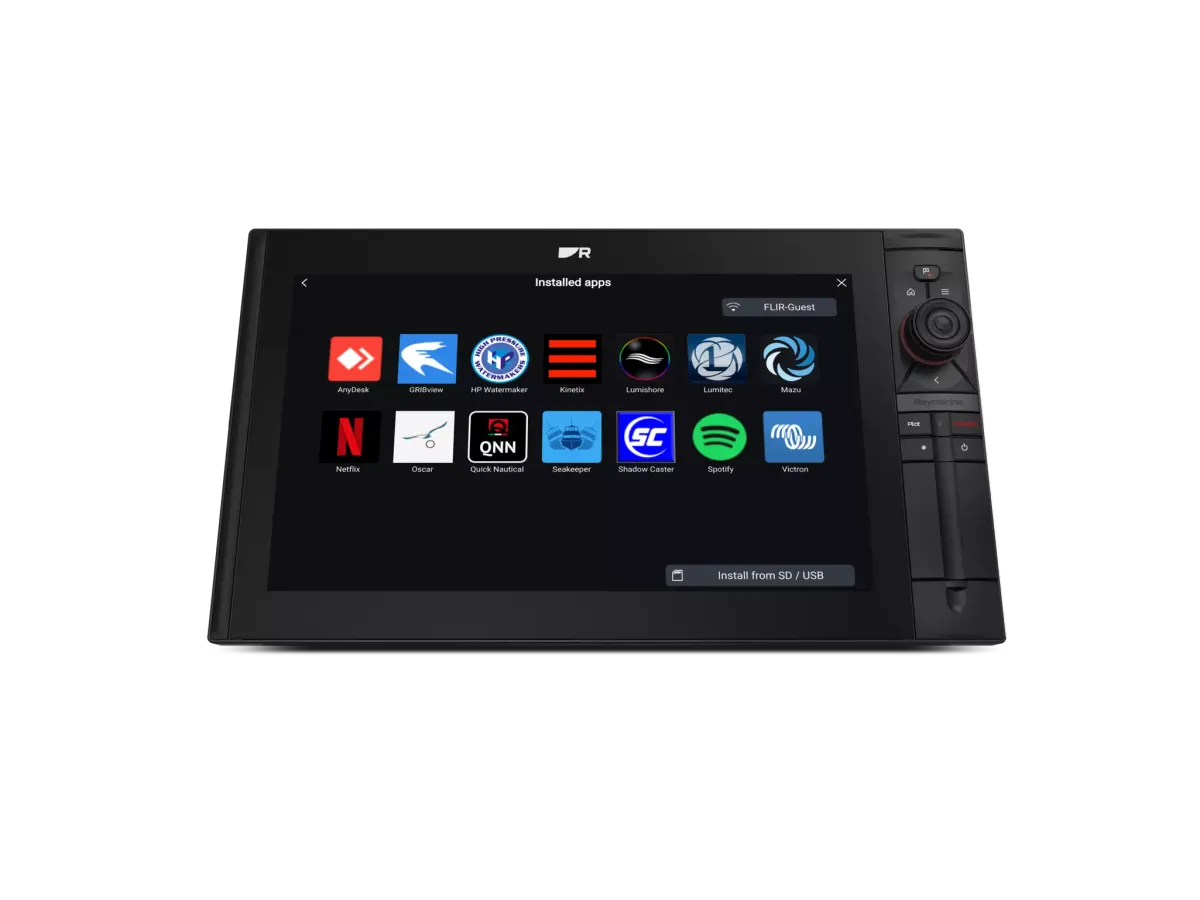
The useful price is the cost of a supported, installed system—not just the used display.
Identify precisely what is being sold
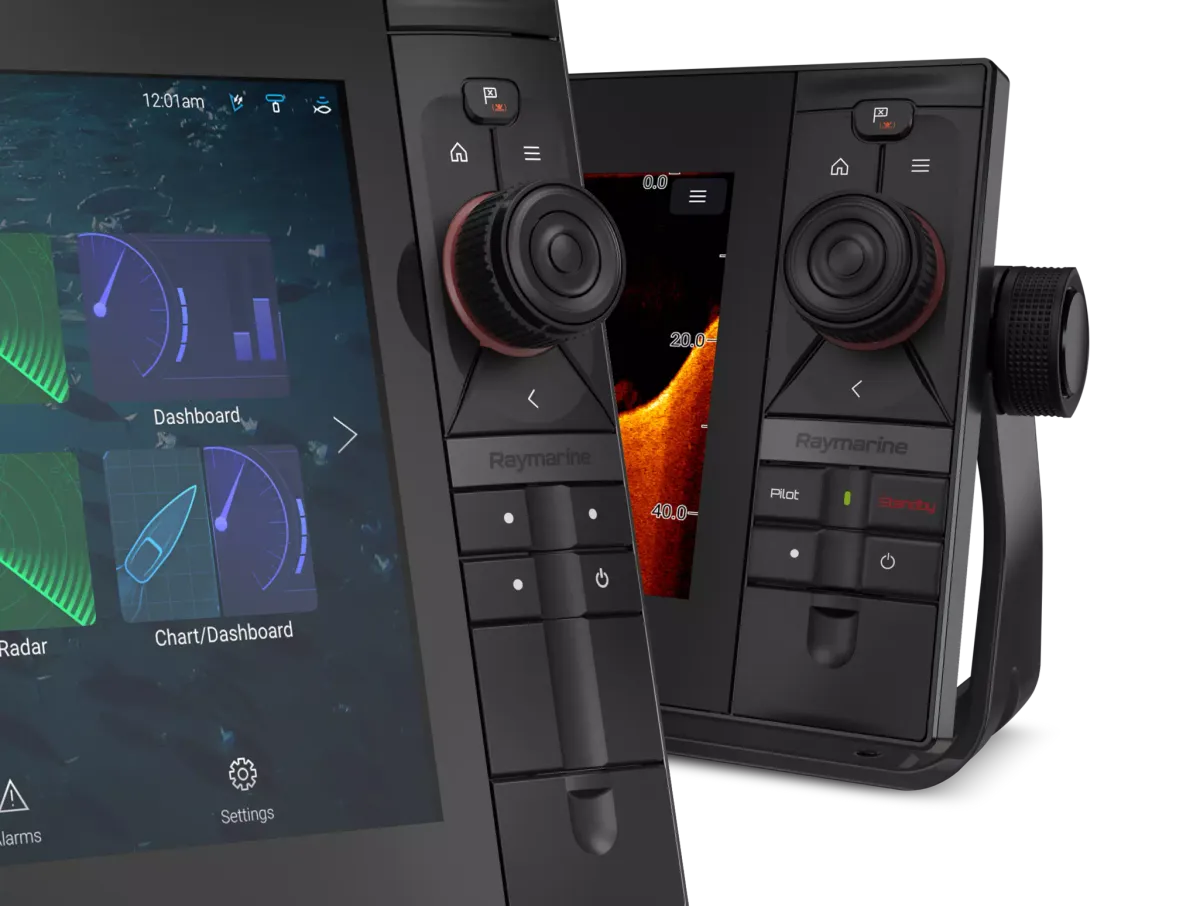
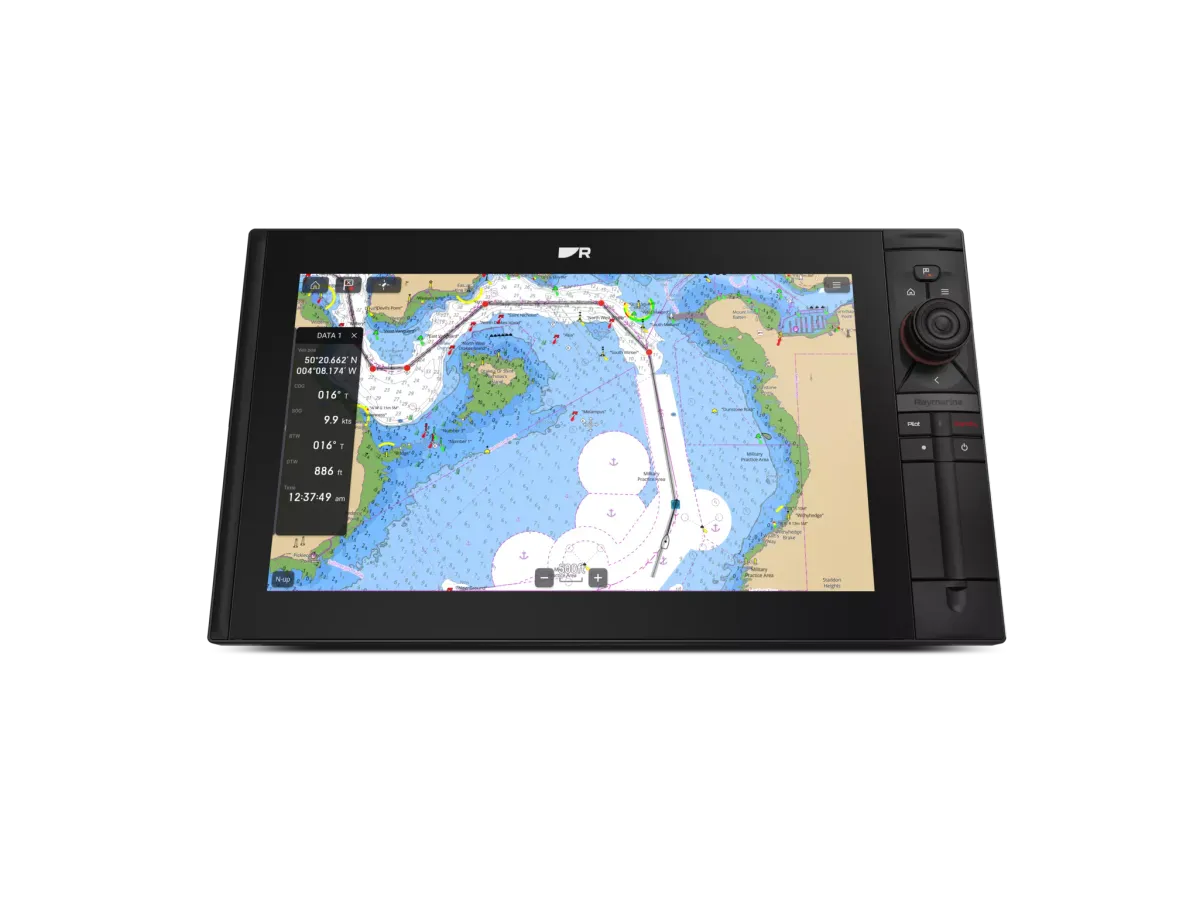
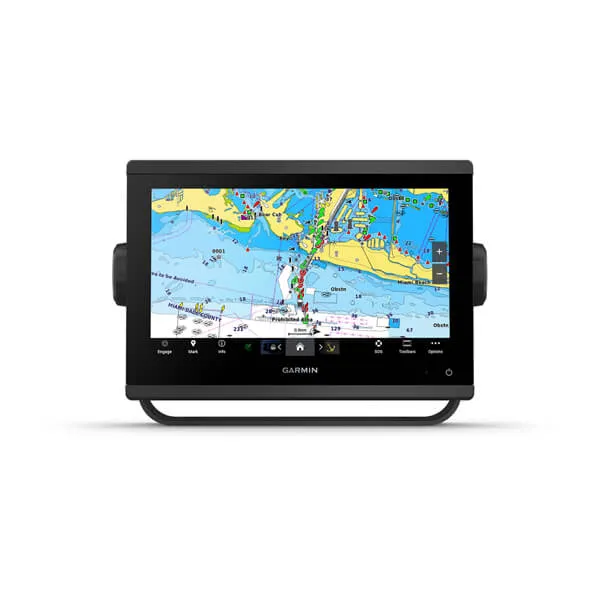
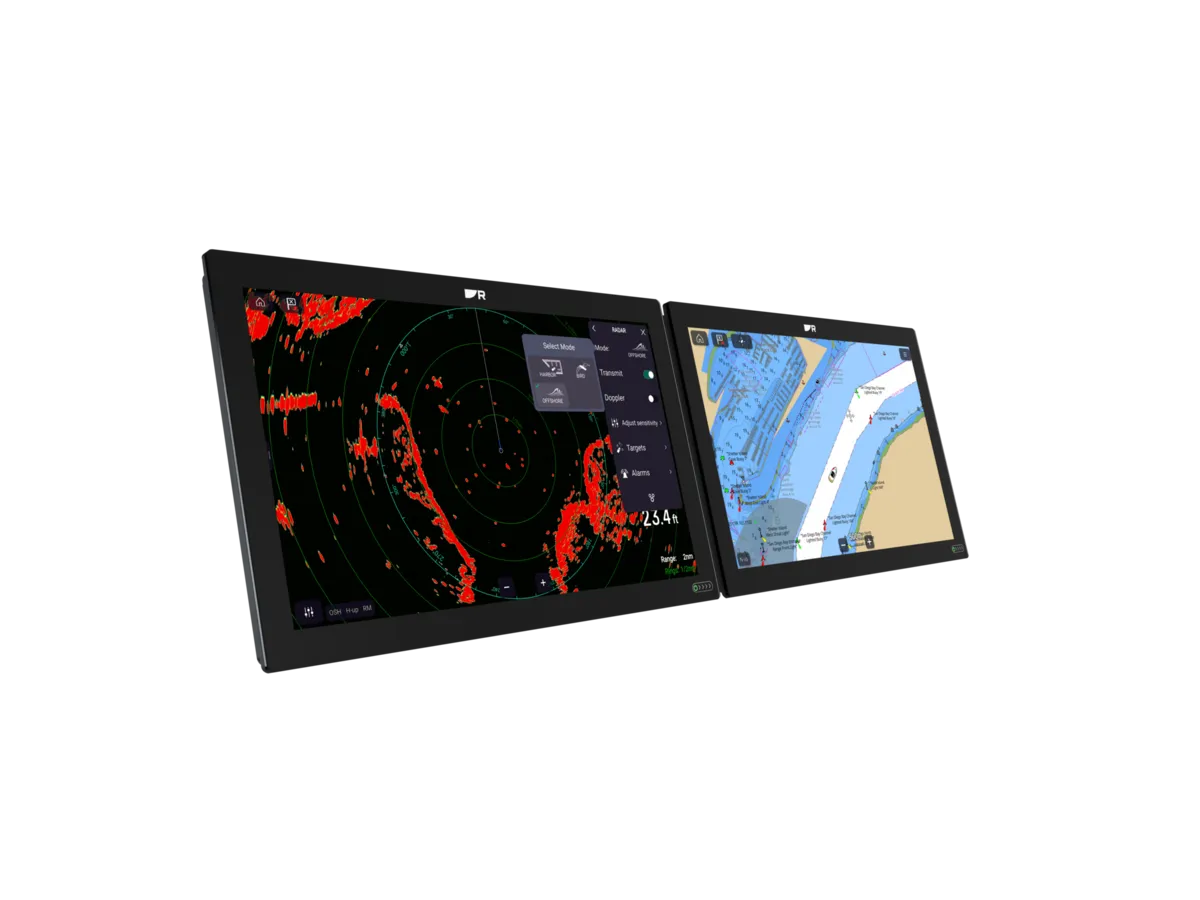
Ask for a clear photograph of the product label, the actual display and the connectors. Record the full model and any included accessories before comparing an advertisement with a current catalogue. Similar screen sizes and familiar family names do not establish identical features or compatibility.
Request evidence that the particular unit works, including its controls and readable screen. A stock photograph or a picture of the startup logo cannot demonstrate every function you plan to use aboard.
Check the support path independently
Look up the model in the manufacturer support resources. Find the applicable manual, software information and supported chart products. Ask the manufacturer or an appropriate dealer about any unresolved compatibility question, particularly if the device is being bought to work with an older radar or sensor.
Do not assume that charts, subscriptions or account-linked services transfer with a used device. Ask which items the seller is actually including and verify the current terms for those products before assigning value to them.
Price the missing installation parts
List the mount, power lead, data cables, card media and any adapters required by your proposed installation. Check whether the old dashboard opening needs a new panel. Ask an installer to compare this total with a supported new alternative using the same functions.
For an illustrative purchase, a cheap display without its mount or cables may require more work than a complete package. That does not make used equipment inherently poor value; it means the purchase needs a complete bill of materials.
Agree how uncertainty is handled
Ask what inspection or demonstration is possible before payment and obtain the seller’s stated return arrangements in writing. Keep the unit’s identity and the sale documentation together. If a critical function cannot be demonstrated, treat it as unresolved rather than silently assuming it works.
Before fitting the device, have the installer confirm the final connection plan and any software requirements. Preserve relevant boat data using the model-specific instructions. Complete an agreed handover aboard so the purchase is assessed in the installation where it will actually be used.
Your planning checklist

Turn the lesson into a useful brief.
Tick what you have gathered. Add your boat details and questions, then save a copy to take to a supplier.
Notes stay in this page and are not submitted. Download before leaving; this page does not save them.
Buying questions, answered
Are charts included with a used plotter?
Only if the sale and the chart provider’s terms support that. Verify cards, licences and account-linked services separately.
Does powering on prove the unit is healthy?
No. It demonstrates only part of its operation. Agree checks for the controls, connections and functions you need.
Sources & further reading
Original MarineBrands buying and planning guidance, informed by these manufacturer and official references. Confirm current specifications for the exact model and Australian version.
- Raymarine · software updates and product support ↗
- Raymarine · model-specific manuals and installation documents ↗
- Raymarine Australia · Axiom model comparison ↗
This is an editorial guide. Linked brand advertorials are identified separately; no paid sponsorship or manufacturer approval of this guide is claimed.