 Marine
Understand it.
Choose with purpose.
From a number on a screen to a decision at the helm.
Separate the measurement from the display
A display presents information; it is not necessarily the device that measures it. Start by writing down the readings you actually use: depth when approaching a berth, wind while trimming and speed when comparing settings. Beside each reading, identify its sensor or source. A screen replacement should begin with that small inventory, not its diagonal size.
If a reading is unreliable, replacing the display may leave the underlying problem untouched. Describe what happens, when it happens and whether another screen shows the same behaviour. That gives an installer a much better starting point than simply requesting a new instrument.
Design a view for each working position
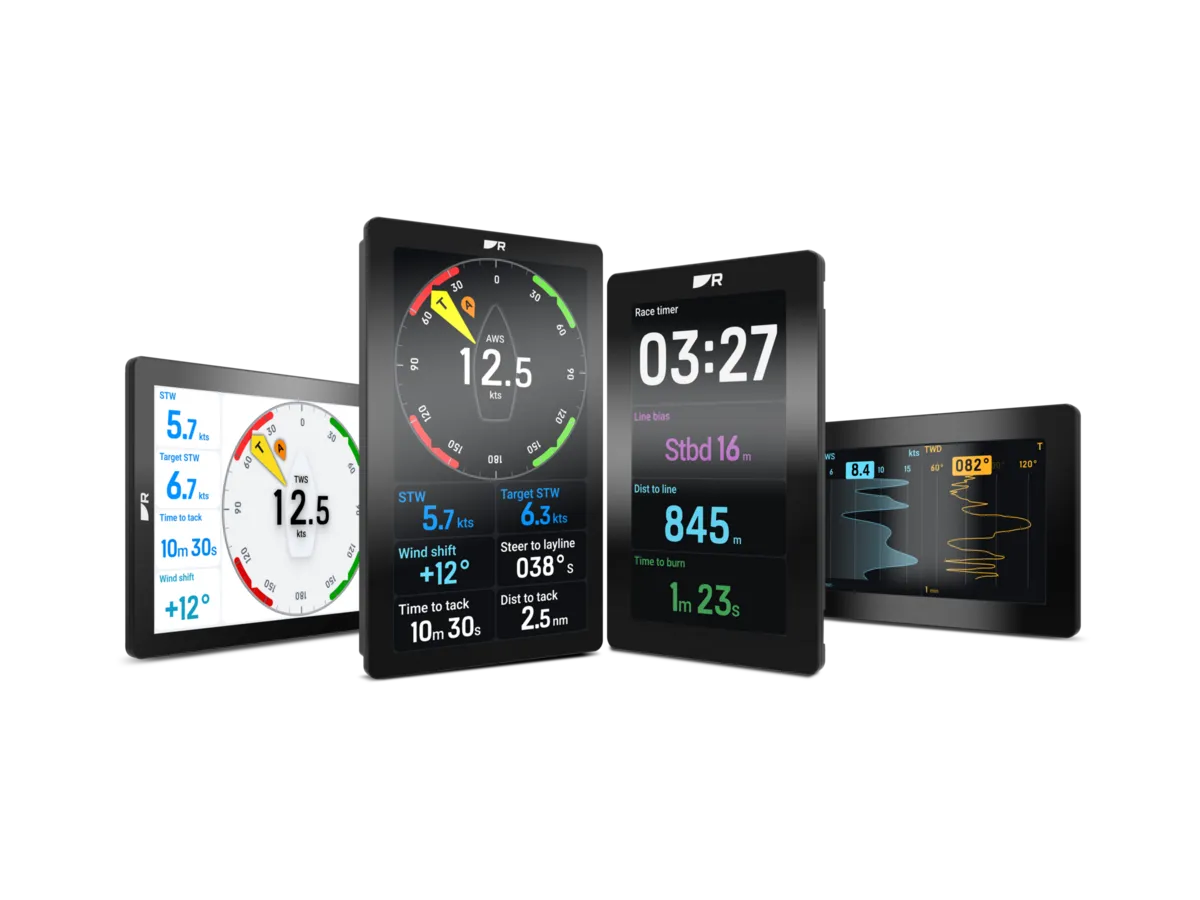
Stand where you steer, trim and keep watch. Consider distance, angle, reflections and whether a crewmate blocks the view. A large number at the mast and a detailed page at the helm solve different problems. Sketch the information you want at each position before comparing the number of fields a display can show.
Ask to see your preferred page arrangement demonstrated. Can a guest crew member find depth without opening a menu? Can you read the labels as well as the values? The best arrangement is one the crew understands quickly, rather than the most densely populated screen.
Make the handover part of the purchase
Ask the supplier to document which readings the proposed display will receive from your existing equipment. Separate included sensors, adapters, mounting work and setup from the display price. Confirm who will check the data after installation and explain the selected sources.
At handover, work through the pages with the installer. Record the normal page layout and where the model instructions are stored. Keep a note of any unsupported fields instead of discovering them on a passage. This turns a hardware purchase into a usable instrument station.
Compare the approaches
Use these differences to frame a conversation. This is a comparison of project approaches, not a ranking of brands.
| Approach | When to consider it | What to resolve |
|---|---|---|
| One dedicated display | A small helm with a few priority readings | Decide which information remains visible while changing pages. |
| Several dedicated displays | Different crew positions or simultaneous readings | Allow for mounting space and a clear purpose for every screen. |
| Data on a chartplotter | A helm already centred on a multifunction screen | Check that chart work does not hide the instrument view you need. |
A tired cockpit instrument
A cruising owner wants a sharper depth and wind display but hopes to retain the sensors.
A considered approach
List both sensor models and the old display, photograph the mounting area and ask for a compatibility assessment before ordering. Compare a display-only proposal with one that includes necessary interfaces.
The useful comparison is the complete working station, including the data path and setup.
Two mistakes worth avoiding
Buying by screen size
A larger display is not automatically easier to read from the actual steering position.
Treating a missing value as a screen fault
Ask the installer to trace the source and connection before committing to replacement.
Know the terms
- Data source
- The sensor or device supplying a particular reading.
- Page layout
- The selection and arrangement of readings shown together.

Turn the lesson into a useful brief.
Tick what you have gathered. Add your boat details and questions, then save a copy to take to a supplier.
Notes stay in this page and are not submitted. Download before leaving; this page does not save them.
Sources & further reading
Manufacturer and authority references for the concepts and product context discussed here. Examples and planning exercises are MarineBrands editorial; they do not imply brand endorsement or product testing.
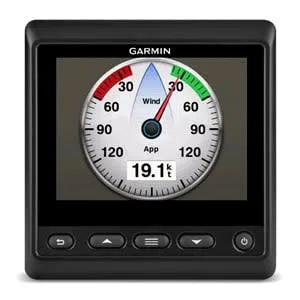
- Garmin · GMI 20 instrument reference ↗
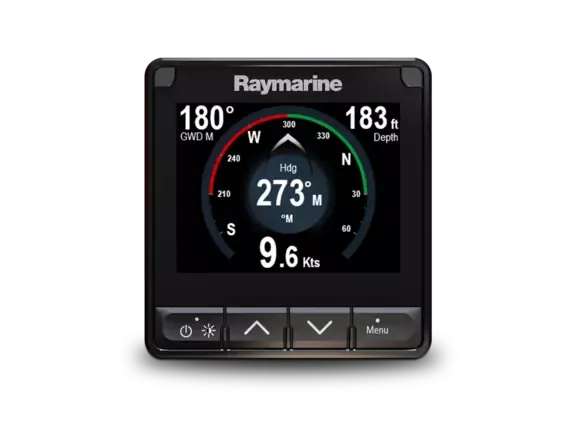
- Raymarine · model-specific manuals and installation documents ↗



 Wind sensors →
 Sailing processors →
 Autopilots & controls →
 GPS chartplotters →