MarineBrandsDIRECTORY / 01AU Australia
Planning tools ↗
THE COMPLETE INTRODUCTION / 06

Electronics

Understand the onboard system before adding another device.

Start the tutorial ↓
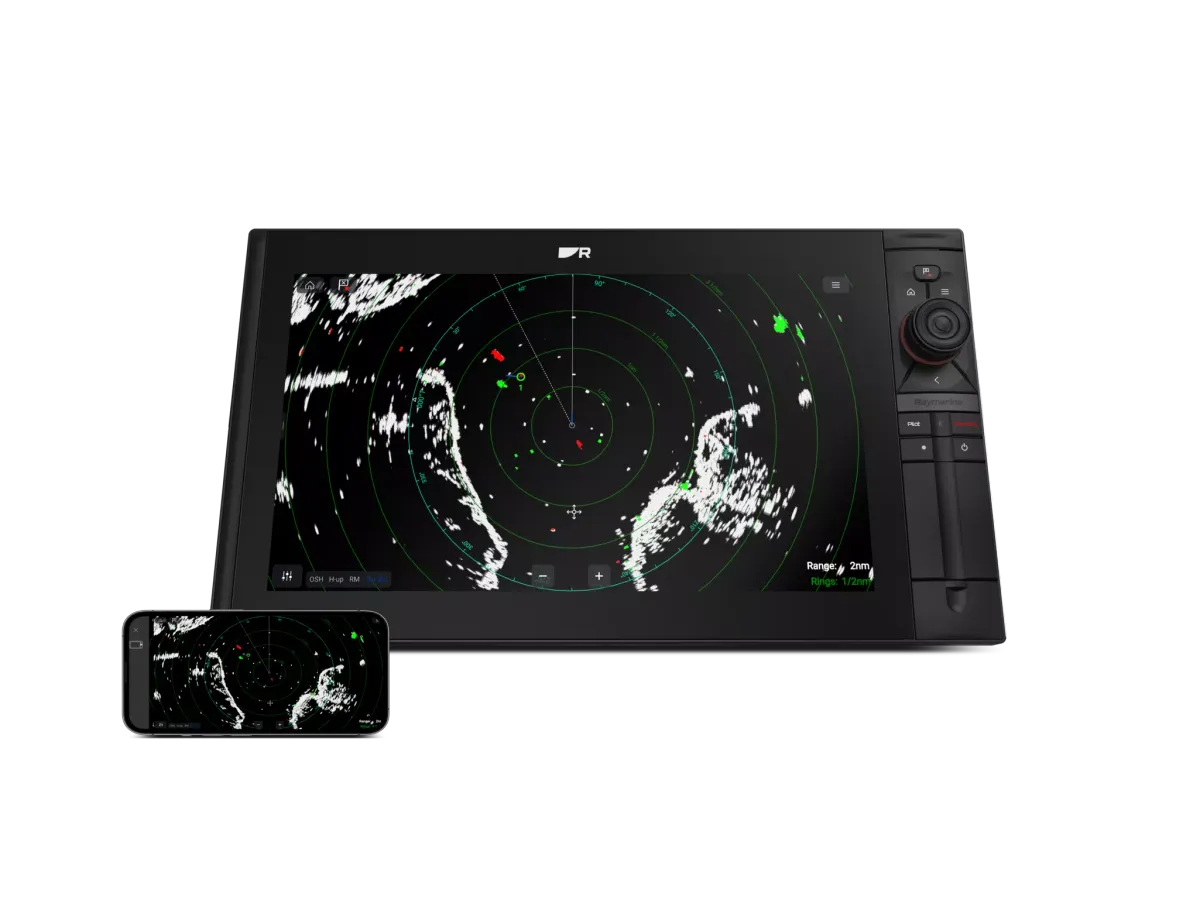
Raymarine display linked to a smartphone
Image: Raymarine ↗

Where to start

Start with the task: display sailing data, communicate, connect equipment or add entertainment. Navigation and GPS brands also appear here because their products span multiple functions.

MARINEBRANDS FIELD GUIDE4 MIN READ · 3 CHAPTERS

Understand it.
Choose with purpose.

Understand the onboard system before adding another device.

CHAPTER 01

Organise the system by the job it does

Marine electronics includes measurement, display, communications and other onboard functions. List devices by their role rather than their brand: what senses information, what presents it, what communicates and what the crew controls. This creates a useful picture of the boat even when several generations of equipment are fitted.

Next, write down the functions that work well and those that do not. An old device may still serve a clear purpose; a new device may not solve an unrelated integration problem. The inventory helps a technician recommend a sensible project rather than an unnecessary collection of replacements.

Give each desired addition a practical use. Engine information at the helm, a readable wind display and independently controlled audio areas are clearer briefs than a general wish for a more connected boat.

CHAPTER 02

Learn the difference between a connection and a function

Raymarine’s networking information explains one example of shared instrument-data infrastructure. But a network label or matching connector does not prove every desired feature is supported. Ask which information and controls will be available between the exact models in your inventory.

Separate the discussion into data, power and any manufacturer-specific connections. Let the installer determine design limits and installation requirements. The owner should be able to understand the purpose of each proposed adapter, converter or added component in plain language.

A helpful quotation includes a diagram and a list of known limitations. That makes it possible to compare retaining older equipment with a more extensive refit and understand why the price differs.

CHAPTER 03

Design for operation and future service

Where will the crew use each control? Can information be read from the working position? Will a service technician be able to reach the equipment later? These practical questions belong in the design before cut-outs or wiring changes are made.

Ask for an as-installed diagram, equipment list, software record and model-specific manuals. Include a handover demonstrating the functions named in your brief. For communications equipment, keep operator training and current official requirements in the plan as well.

After the project, maintain a change log. When a fault occurs, describe the missing function and affected devices rather than saying the entire system is broken. Good records help preserve the value of the installation and make later improvements easier to assess.

MAKE THE DISTINCTIONS

Compare the approaches

Use these differences to frame a conversation. This is a comparison of project approaches, not a ranking of brands.

Electronics: approaches and considerations
ApproachWhen to consider itWhat to resolve
Single-device replacementA clear supported replacement needConfirm retained connections and functions.
Integration projectA new information flow between existing devicesSpecify the exact function and interface path.
Whole-system refitSeveral unsupported or changed requirementsInclude design, installation records and crew learning.
WORKED EXAMPLE · ILLUSTRATIVE SCENARIO

A mixed-generation boat gets a new display

The owner hopes all existing information will appear automatically.

A considered approach

The installer maps every device and confirms supported fields, interfaces and limitations before the display is ordered.

The function list matters more than the number of connected boxes.

AVOID THE FALSE STARTS

Two mistakes worth avoiding

01

Buying plugs before drawing the system

A connector is only part of the compatibility question.

02

No record of hidden equipment

Document components while they are accessible during installation.

THE LANGUAGE, EXPLAINED

Know the terms

Interface
The connection arrangement through which supported information is exchanged.
Gateway
Equipment that transfers supported information between systems.
As-installed diagram
A record of how the finished system is actually connected.

YouSail sailing mascot
YOUR NEXT STEP

Turn the lesson into a useful brief.

Tick what you have gathered. Add your boat details and questions, then save a copy to take to a supplier.

Information gathered for Electronics
0 of 5 items gathered

Notes stay in this page and are not submitted. Download before leaving; this page does not save them.

Sources & further reading

Manufacturer and authority references for the concepts and product context discussed here. Examples and planning exercises are MarineBrands editorial; they do not imply brand endorsement or product testing.

How we research and present information →
READ BEFORE YOU CHOOSE

Practical guides to electronics

Practical advice for choosing, upgrading and looking after your equipment.

All guides ↗
CLASSIFICATION

Continue with a specialist tutorial

Illustration of instrument displays

Instrument displays

Displays for wind, depth, speed and other boat data.

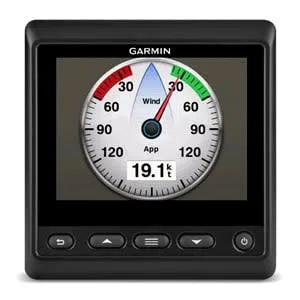
An instrument display is the visible end of a data system. Begin with the readings needed at each working position, then confirm the sensors and connections behind them. A dedicated display can keep essential information visible while the main chart screen is occupied.

Read the instrument displays tutorial →
Illustration of wind sensors

Wind sensors

Sensors supplying wind information to sailing instruments.

Wind data starts with the sensor but depends on mounting, connections and the instrument system. Describe whether the priority is everyday awareness, sail trimming or a racing data setup. Ask the installer to explain the proposed data path and the checks required after fitting.

Read the wind sensors tutorial →
Illustration of sailing processors

Sailing processors

Processors that calculate and refine sailing data.

A sailing processor brings inputs together for calculated data. The useful starting point is the information you want to improve and the quality of the existing measurements. Discuss the boat’s sailing programme and how the crew will use the results before comparing processor specifications.

Read the sailing processors tutorial →
Illustration of autopilots & controls

Autopilots & controls

Automatic steering systems and their controls.

An autopilot enquiry should begin with the boat and its steering arrangement. The controller is only one component: the drive, sensors, installation and commissioning shape the completed system. Have an appropriate specialist assess the actual boat before selecting equipment.

Read the autopilots & controls tutorial →
Illustration of gps chartplotters

GPS chartplotters

Onboard displays combining positioning and electronic charts.

Chartplotters combine positioning, electronic charts and connected boat information. Compare the screen and controls from the helm, then check Australian chart coverage and the equipment you intend to connect. The exact package matters as much as the product family name.

Read the gps chartplotters tutorial →
Illustration of marine networking

Marine networking

Connections and interfaces linking onboard equipment.

A network proposal should explain which devices exchange which information. List existing model numbers and required functions before buying interfaces or cabling. A shared connector or protocol does not establish that every feature will be supported across the entire installation.

Read the marine networking tutorial →
Illustration of marine audio

Marine audio

Audio equipment designed for a marine environment.

Marine audio planning starts with listening areas, controls and installation conditions. Separate cockpit and cabin needs and decide who should control each area. Include mounting, wiring and the relationship with other onboard equipment in the enquiry, not just the speaker count.

Read the marine audio tutorial →
Illustration of vhf radios

VHF radios

Marine voice communications equipment.

A VHF radio is one part of a communications installation. Explain where it will be used, what is already fitted and how the crew will reach the controls. Confirm the relevant Australian operating and equipment requirements through official sources as part of planning.

Read the vhf radios tutorial →
Illustration of epirbs

EPIRBs

Emergency position-indicating radio beacons.

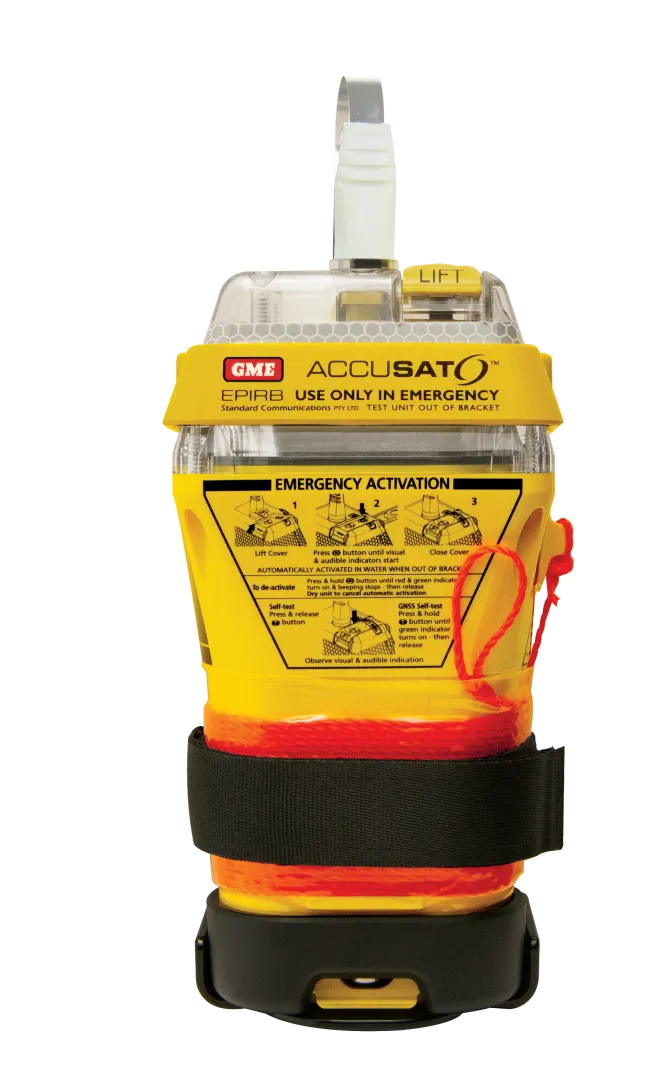
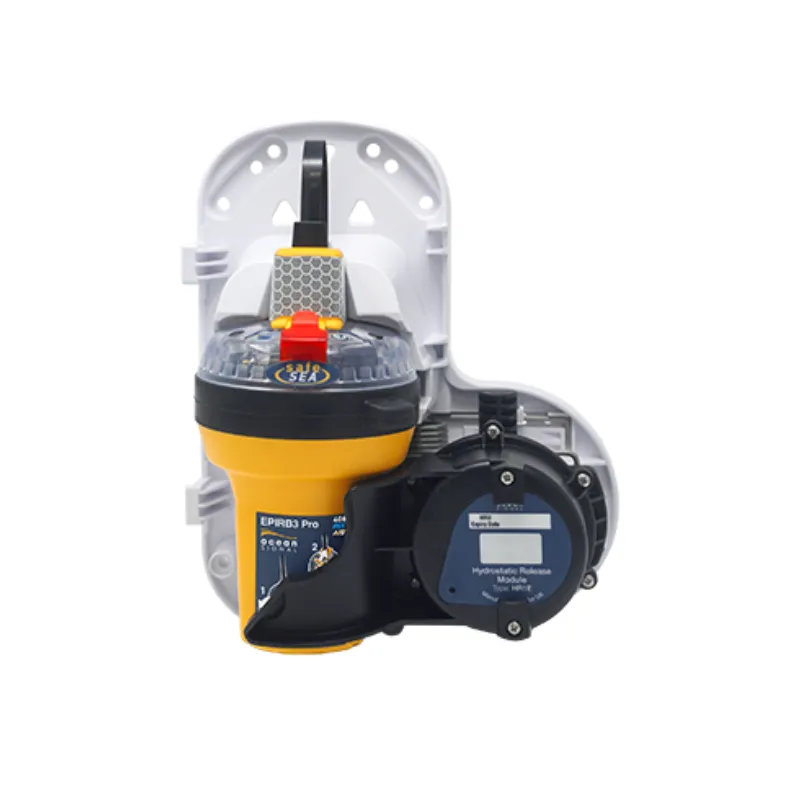
An EPIRB enquiry should distinguish the vessel’s equipment requirements from personal emergency equipment. Use current official authority information and the manufacturer’s instructions for your situation. Record the intended mounting, registration and service arrangements as separate parts of the purchase.

Read the epirbs tutorial →
Illustration of personal locator beacons

Personal locator beacons

Personal emergency signalling beacons.

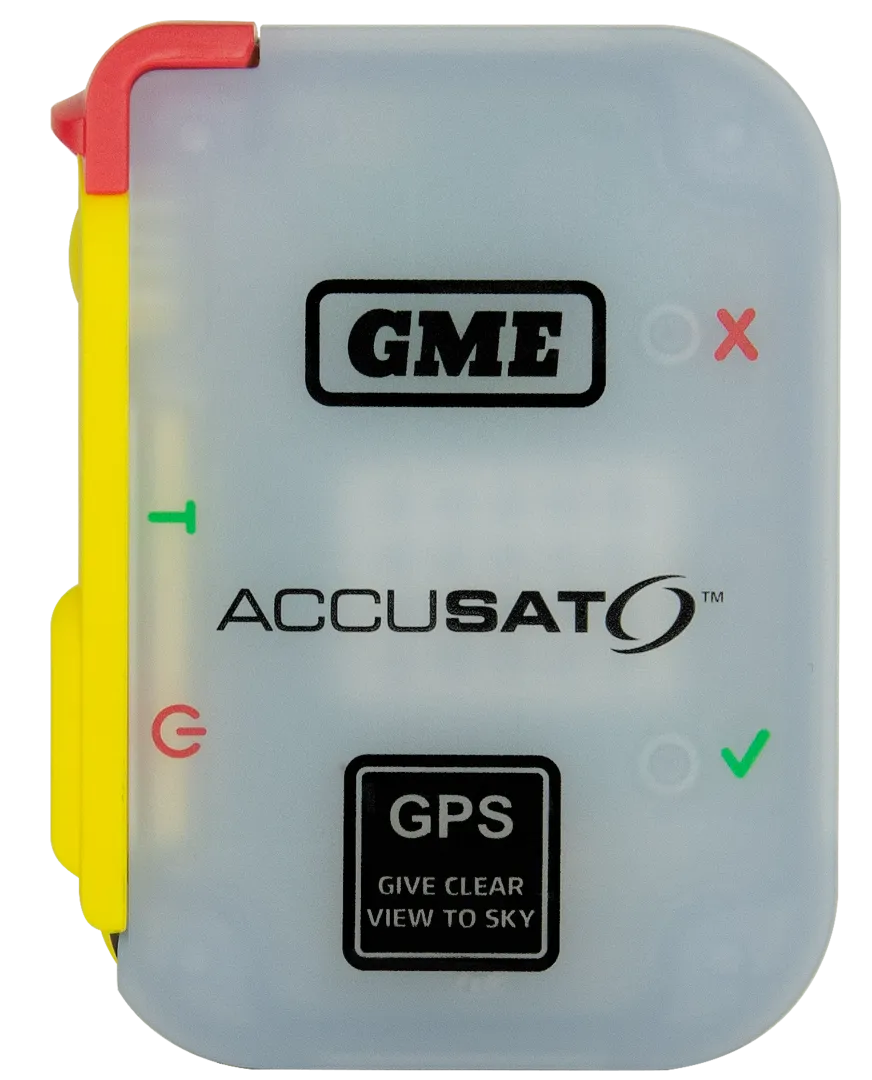
A personal locator beacon is an individual piece of emergency equipment. Compare the exact device’s functions, carrying arrangement and service requirements using official information. A buying guide or review does not establish that a specific unit is ready for use or fulfils a vessel requirement.

Read the personal locator beacons tutorial →
Illustration of ais distress devices

AIS distress devices

Devices with an AIS distress-location function.

AIS distress functions appear in different equipment combinations. Identify the job the device is intended to perform and the other equipment involved. For wearable installations, check the exact lifejacket and device pairing and use the manufacturer’s approved instructions and support route.

Read the ais distress devices tutorial →
FROM PRINCIPLES TO PRODUCTS

See the thinking.
Meet the makers.

Explore named examples, then go deeper into the people, history and specialist work behind each brand.

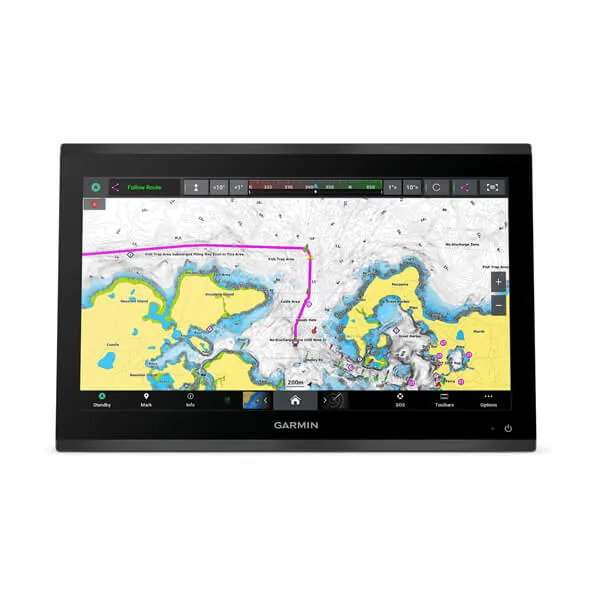
Garmin GPSMAP 9019

GPSMAP 9019

Garmin’s large-format GPSMAP 9019 combines a 4K IPS touchscreen with Garmin BlueNet networking. It is an example of a chartplotter becoming the centre of a connected helm.

Official Singapore product reference. Confirm Australian model, charts and supply. Existing Garmin network equipment may require additional integration hardware.

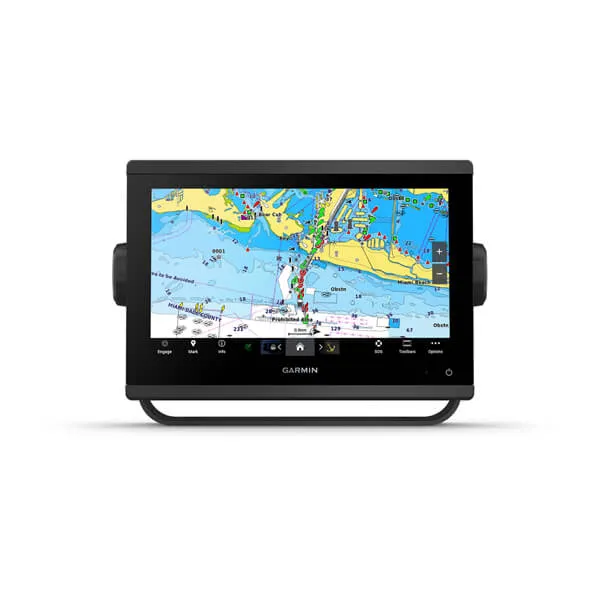
Garmin GPSMAP 923

GPSMAP 923

A GPSMAP marine chartplotter for viewing charts and connected boat information.

Official UK product reference. Confirm the Australian model and bundle.

GME GX750B

GX750B

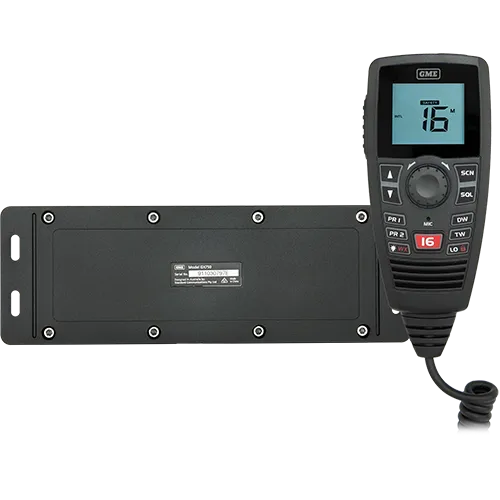
GME’s GX750B separates the radio’s main black-box unit from its LCD controller microphone. This modular arrangement is designed for installations with limited dashboard space.

Plan the antenna, power supply and microphone cable route with the installer. Use the official manual to confirm functions; do not assume DSC or AIS from the black-box design.

Raymarine Axiom 2 XL

Axiom 2 XL

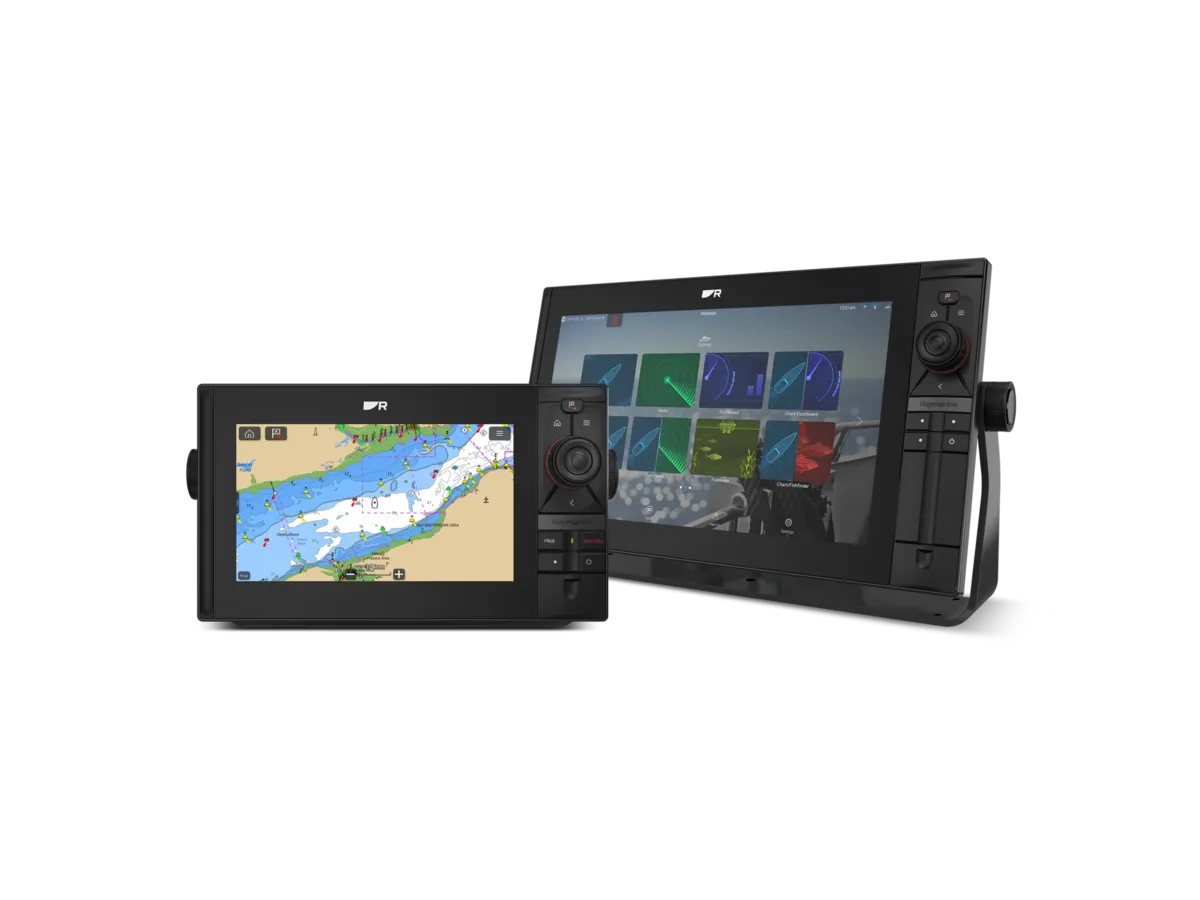
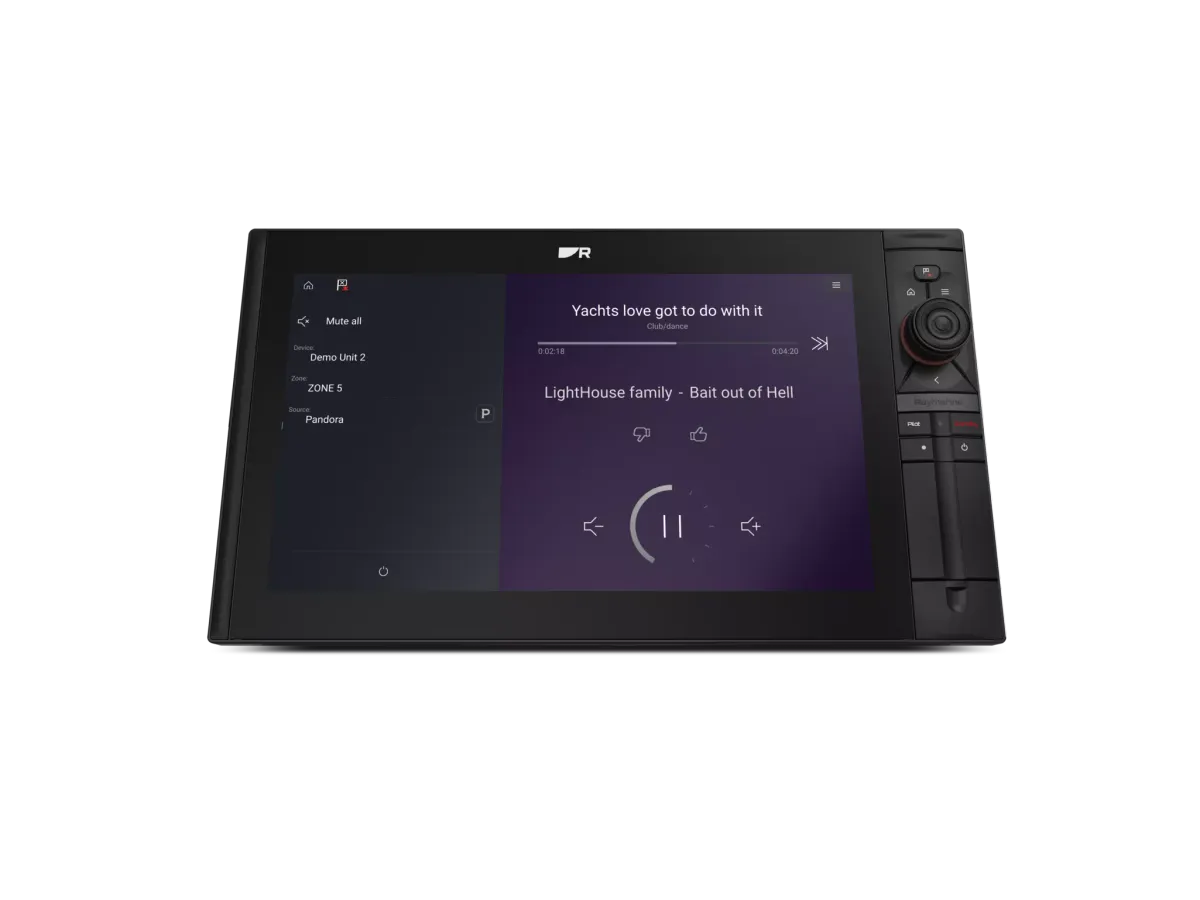
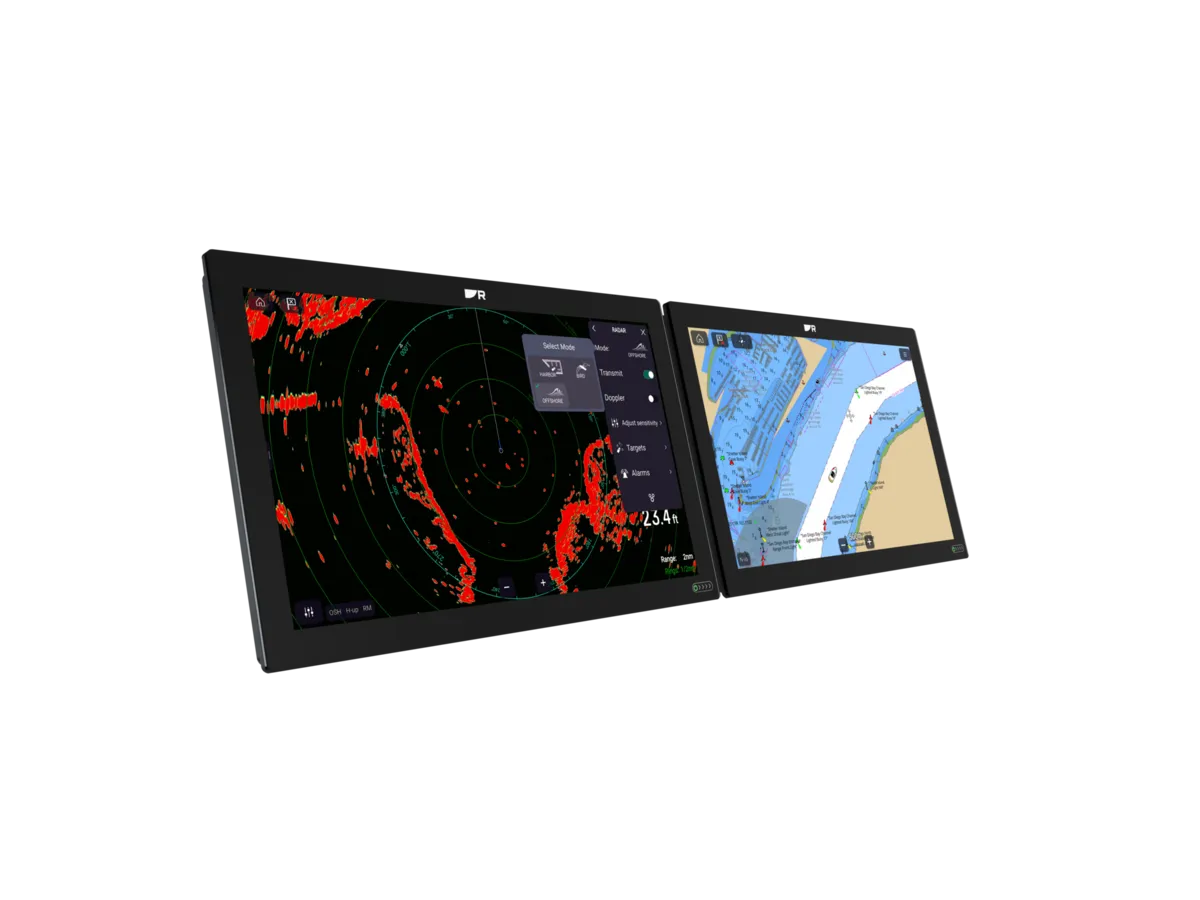
Raymarine positions Axiom 2 XL at the top of its Axiom family. Large-format displays bring charting, connected instruments and video together in a glass-bridge installation.

Ask the installer to specify chart coverage, network modules, power demand and the remote card reader. Compare the display-only and kit contents.

Raymarine Alpha performance displays

Alpha performance displays

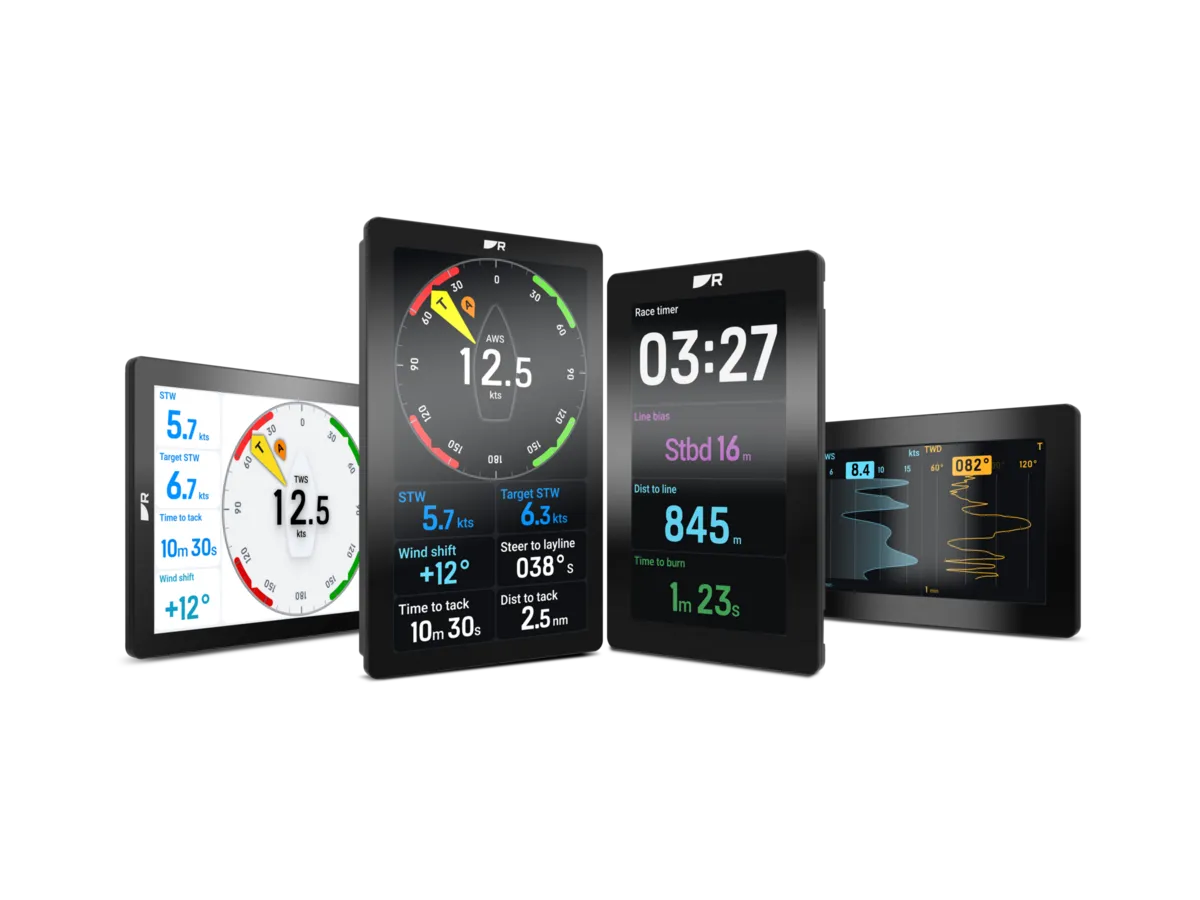
Alpha is Raymarine’s performance-instrument display family, offered in 7- and 9-inch formats with portrait or landscape mounting. It presents sailing data as part of an Axiom-connected installation.

Requires a compatible Axiom connection and appropriate data sources. Ask which sensors, cables and software versions the proposed installation needs.

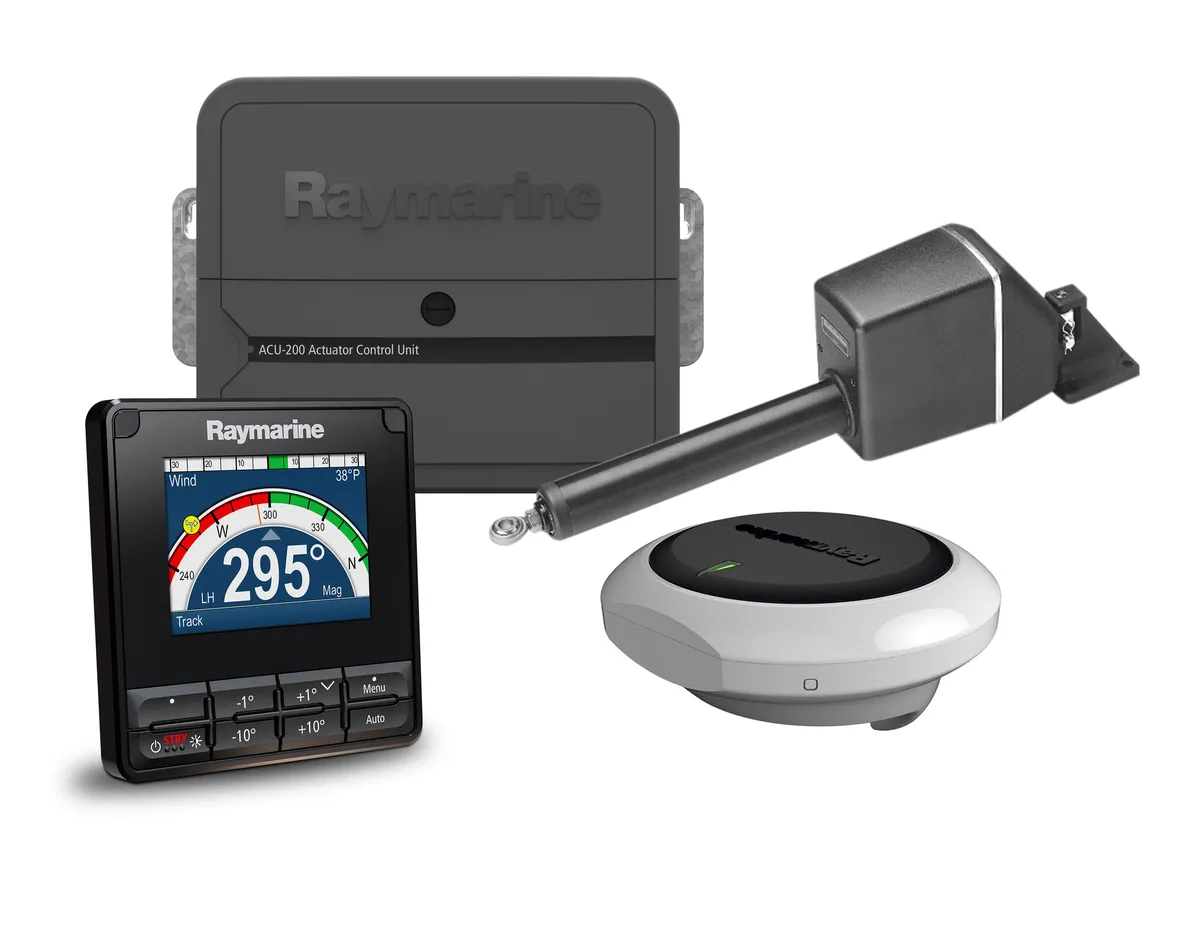
Raymarine EV-200 Sail Pilot

EV-200 Sail Pilot

The EV-200 Sail Pilot is a system for mechanically steered sailing boats. The kit brings together a p70s controller, EV-1 sensor core, ACU-200 control unit and a Type 1 mechanical linear drive.

Official US reference. A marine installer must check displacement, steering arrangement and drive suitability. Confirm the Australian bundle and exactly what it contains.

Product images and references: the linked manufacturers. Examples illustrate the ranges; confirm the Australian specification and availability with the supplier.

THE BRANDS
Refine your search

Electronics

5 brands · Australian market

A — Z
B&G logo
Navigation

B&G

Sailing electronics for coastal cruising, offshore passages and racing.

Zeus STriton Edge
Brand advertorialExplore brand
Garmin logo
GPS & chartplotters

Garmin

Marine navigation, chartplotters and connected onboard electronics.

GPSMAP 9019GPSMAP 923GMI 20
Brand advertorialExplore brand
GME logo
Safety gear

GME

Emergency beacons and marine communications equipment.

GX750BMT606GMT610G
Brand advertorialExplore brand
Ocean Signal logo
Safety gear

Ocean Signal

Personal locator beacons, EPIRBs and AIS distress equipment.

rescueME PLB3EPIRB3 Pro
Brand advertorialExplore brand
Raymarine logo
Navigation

Raymarine

Chartplotters and integrated marine electronics for life on the water.

Axiom 2 XLAlpha performance displaysEV-200 Sail PilotAxiom 2 Pro Si70s
Brand advertorialExplore brand
Useful answers

Frequently asked questions

Can old and new electronics work together?

Sometimes. Ask a specialist to confirm the specific functions and interfaces supported by the exact equipment.

Is one brand always simpler?

It may simplify some supported functions, but the correct comparison is the complete installation and the tasks you need it to perform.

What documentation should I insist on?

An equipment list, as-installed diagram, relevant software versions, model instructions and known limitations are useful handover items.

Does a shared network standard guarantee every feature?

No. Physical connections, supported data, software and proprietary integrations can differ. Ask the installer to confirm the exact model combination and the specific tasks it must perform.

How can I make a refit easier to maintain?

Request a labelled connection diagram, model and software inventory, configuration records and a crew handover. Record subsequent changes so a future technician can understand the system.

AUSTRALIA / LOCAL CONTEXT

Plan around your home waters.

Equipment briefs, service questions and official resources for Australian sailing regions. Confirm attendance with the provider.

All sailing regions →